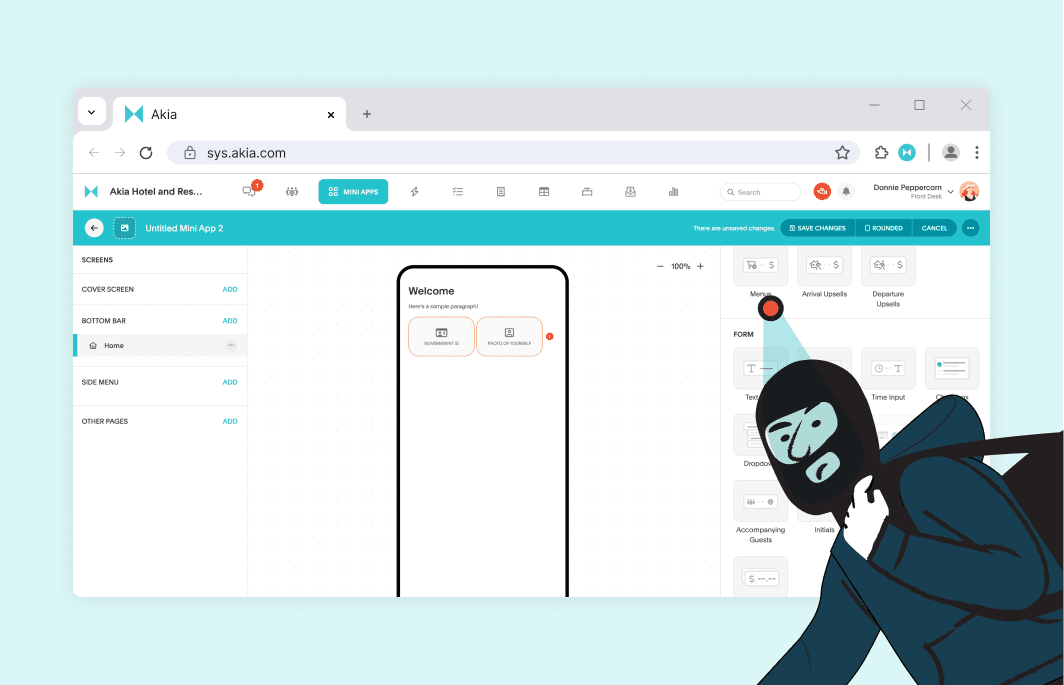
Guests are getting creative in bypassing the check-in process. Fraud attempts, fake ids, etc. are a part of their plan. But imagine having to manually verify each and every guest. Automating precautions BEFORE their arrivals will stop them from staying the night. Accurately verify guest’s driver’s license and passports, photo, and name on reservation.
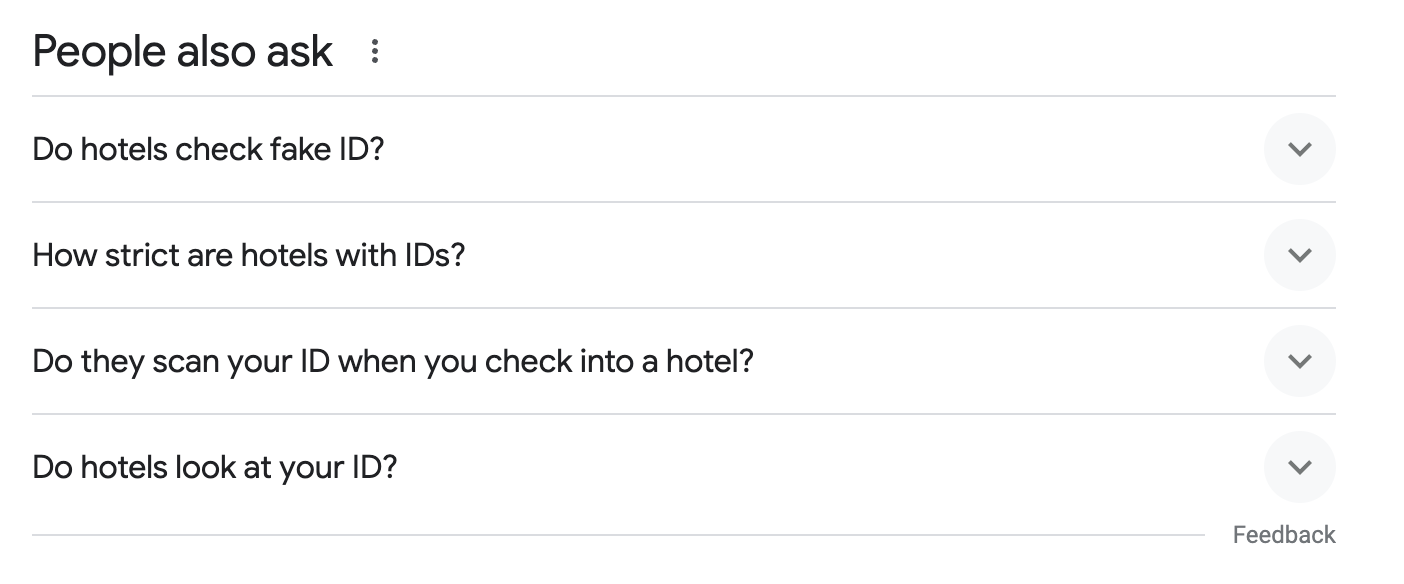 Google suggested searches imply that many guests consider how they can bypass security measures.
How to set up ID scanning in Akia?
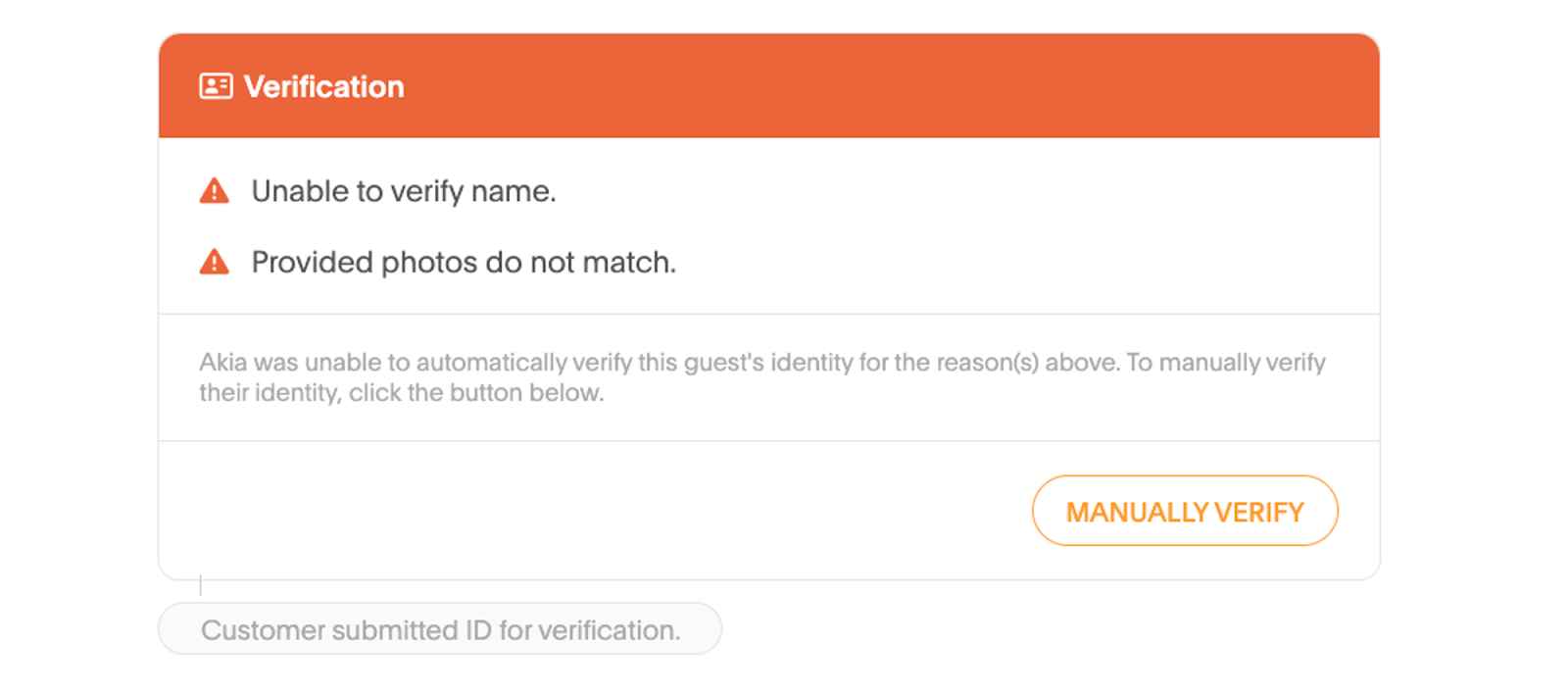
Akia’s verification works by: extracting the name from the ID and comparing it with the name on the reservation, and also compares the image on the ID against the selfie.
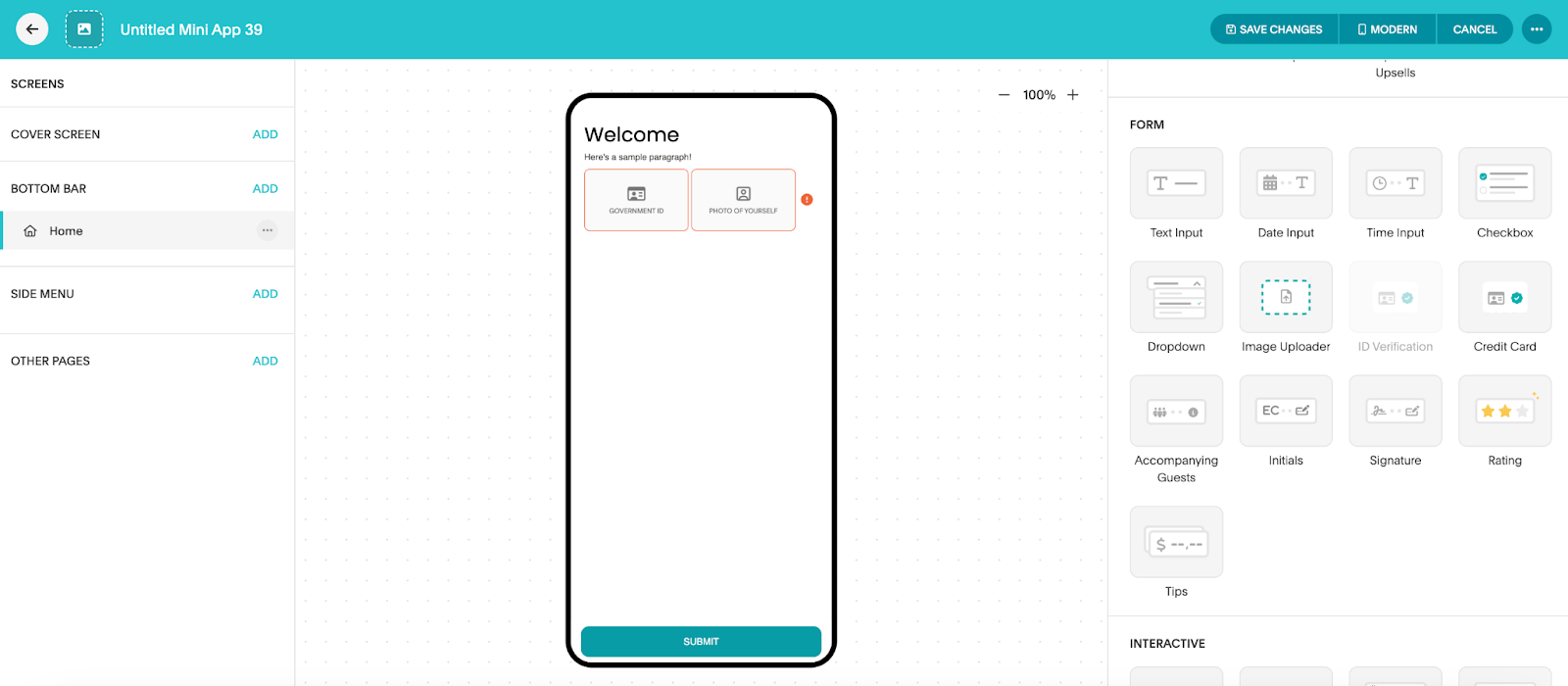
Set up ID verification in Akia:
- Navigate to the Mini App Editor and click Edit in the top right
- Under Form, drag and drop the ID Verification component and photo upload into the Mini App
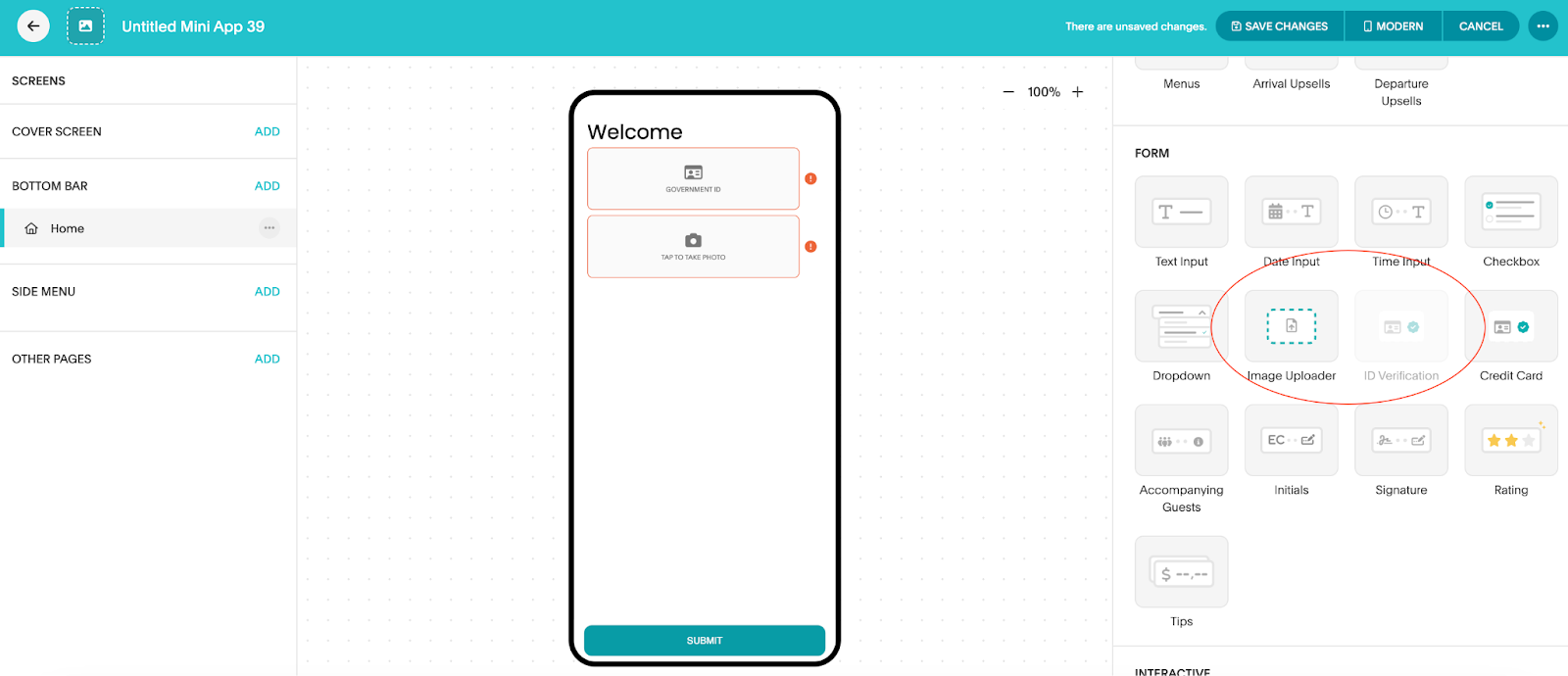
- Click on Save Changes
- Don’t forget to Publish!
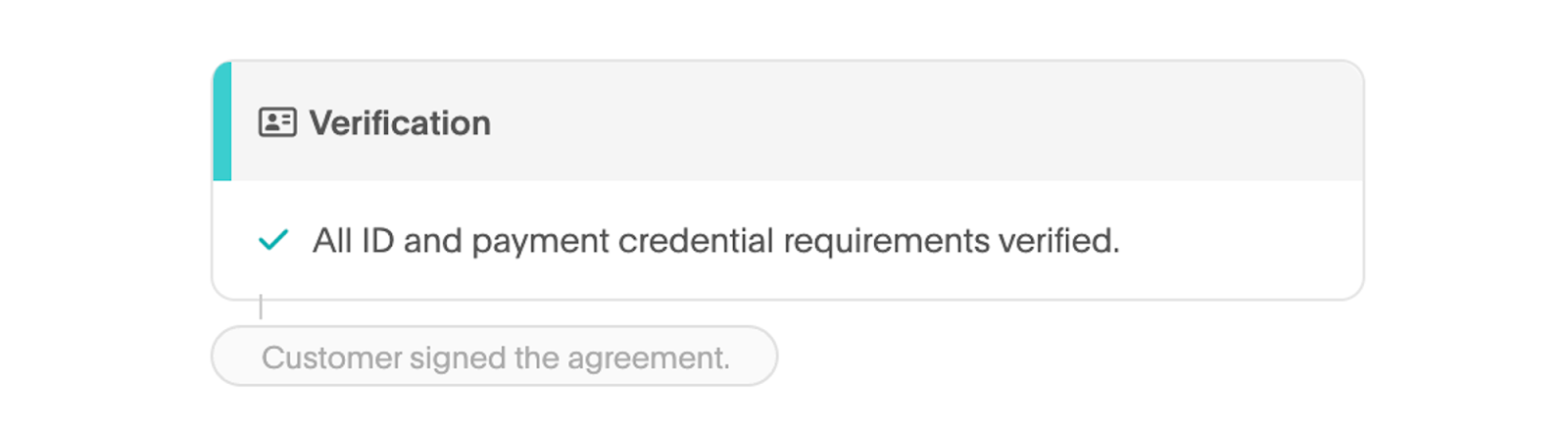
How to see if a guest is verified?
We have an ID verified widget in the text thread that will indicate if they are verified or not.