Blog
Insights, best practices, and product updates from the Akia team.
Casago Names Akia a Preferred Guest Communication Partner
Casago, one of the fastest-growing vacation rental franchise operations in North America, has named Akia a preferred guest communication partner for its franchise owners.
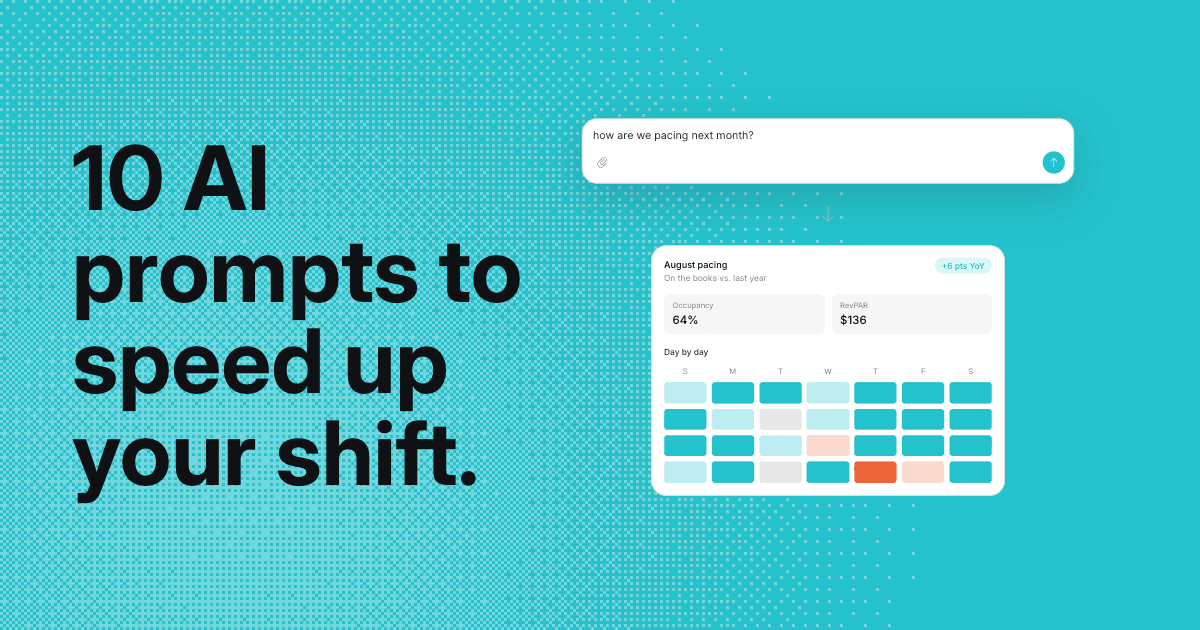
AI Prompts for Property Managers
One place your whole team can ask about your policies and reservations, and hand off the work in Ask Akia. Ten prompts to start with, from a policy to next month's pacing.
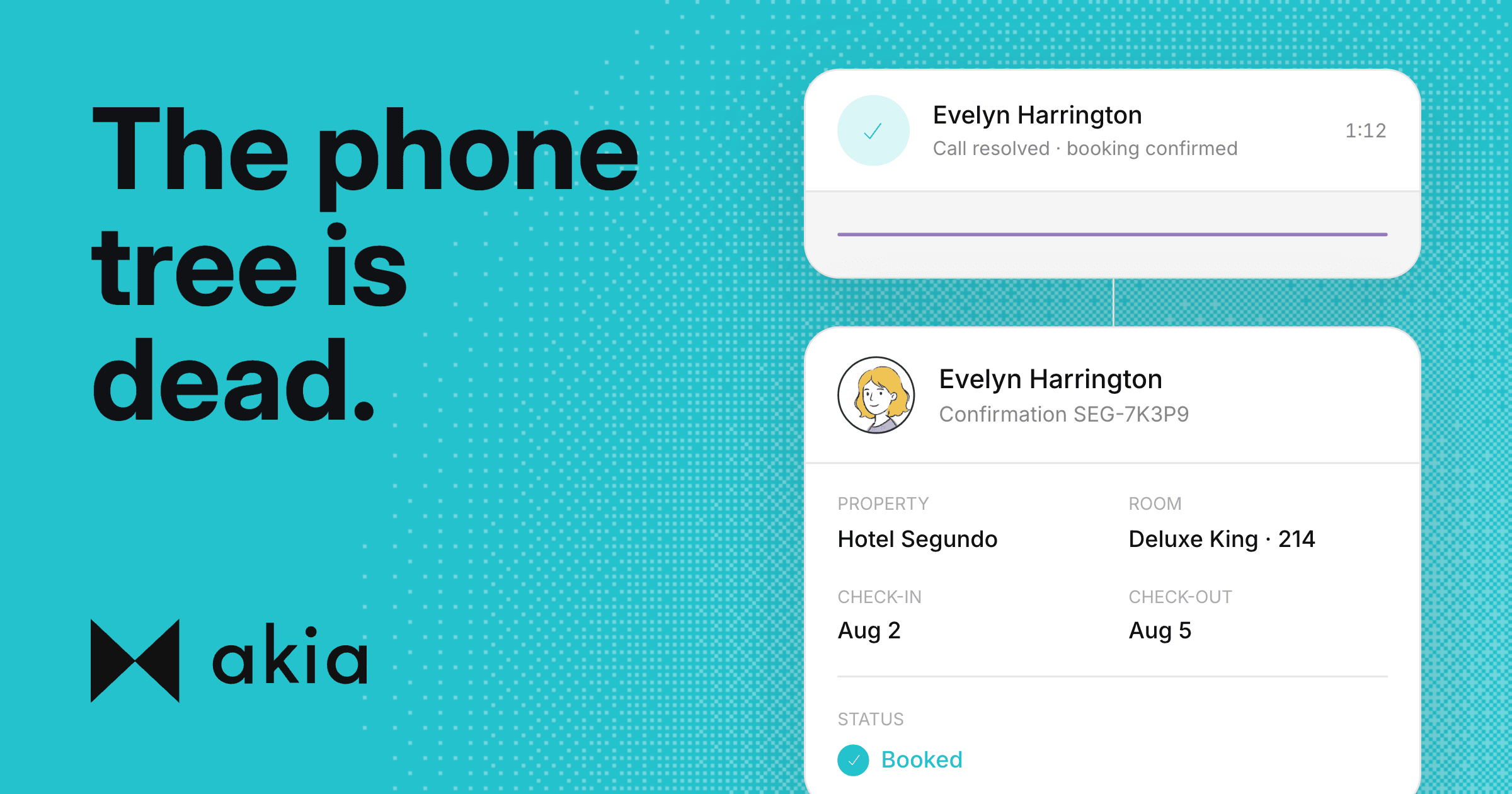
Hotel phone systems: what a PBX is and what AI replaces
A PBX is your phone system. An IVR is the menu bolted onto it. AI replaces the menu, not the plumbing, and the setup detail most properties miss on the way there.

Hotel preventive maintenance: build the program around your repeat offenders
Most preventive maintenance plans treat every room the same. The rooms don't. Here's how to build a program around the handful of units that generate most of your repair work, plus a checklist you can run this week.
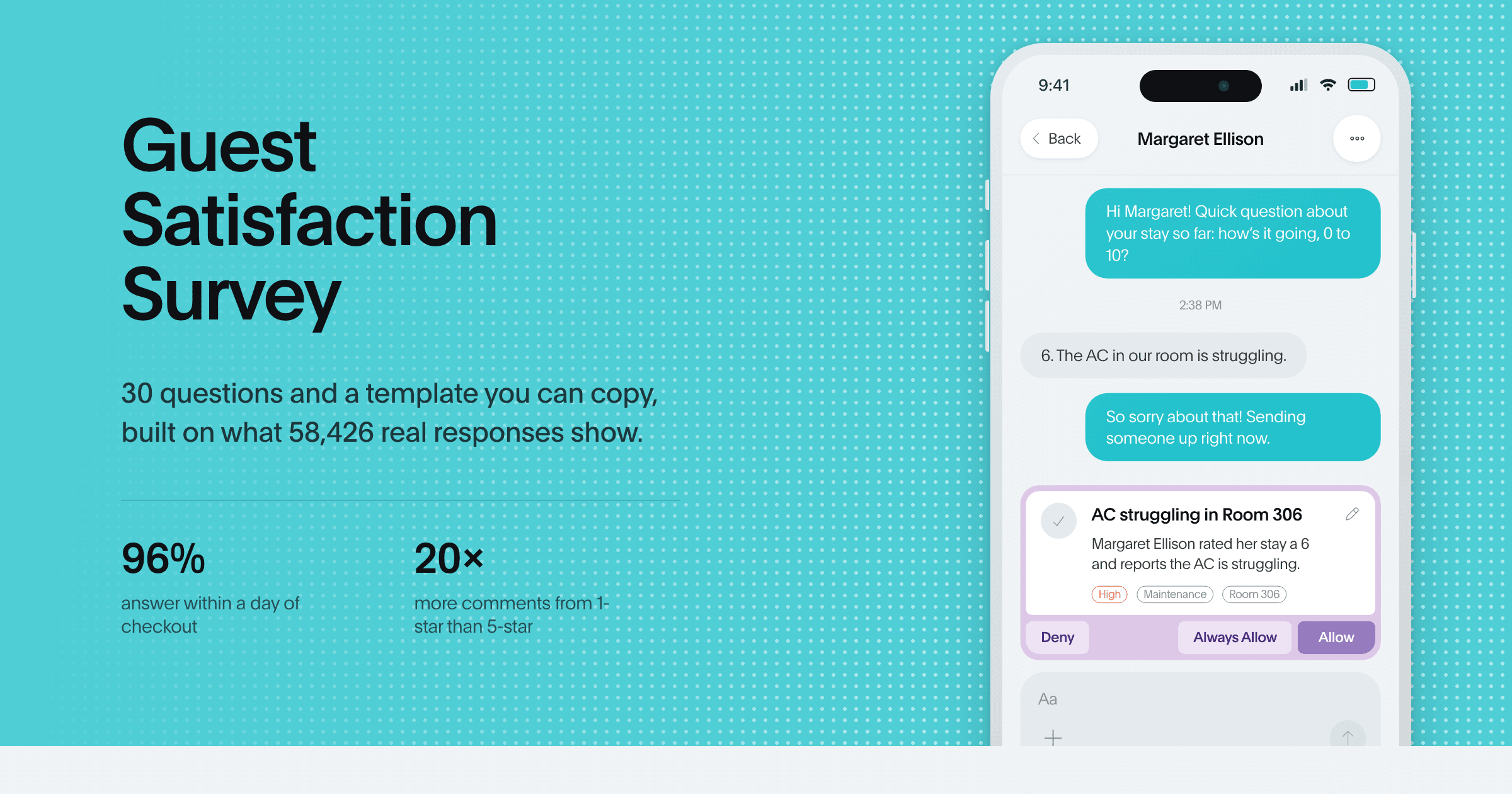
Guest Satisfaction Survey: 30 Questions and a Template You Can Copy
A question bank of 30 guest satisfaction survey questions, a seven-question template you can copy, and what 58,426 responses say about when to send it.
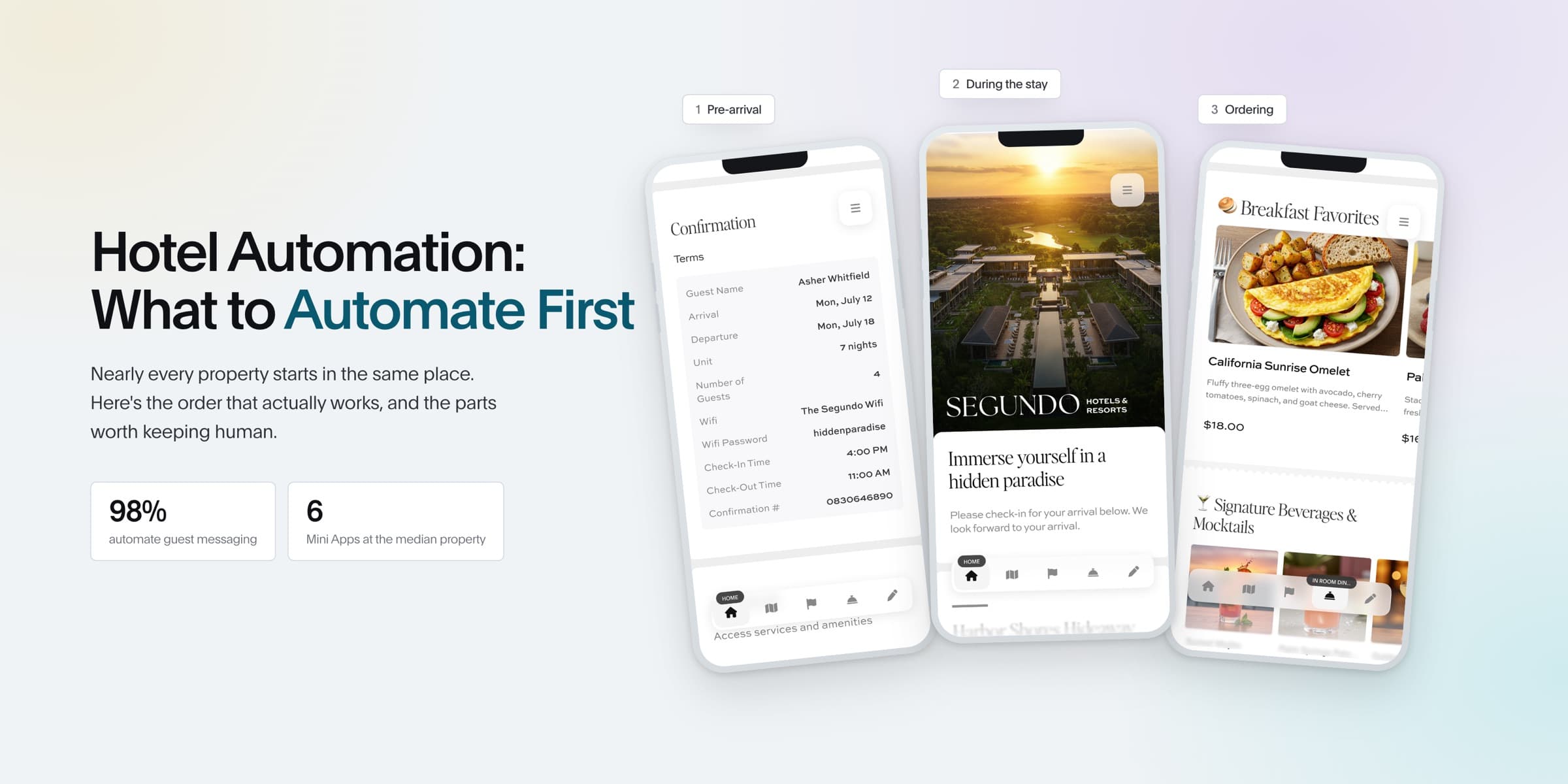
Hotel Automation: What to Automate First (and What to Skip)
We looked at what 770 properties actually automate across the guest journey. Here is the order that works.
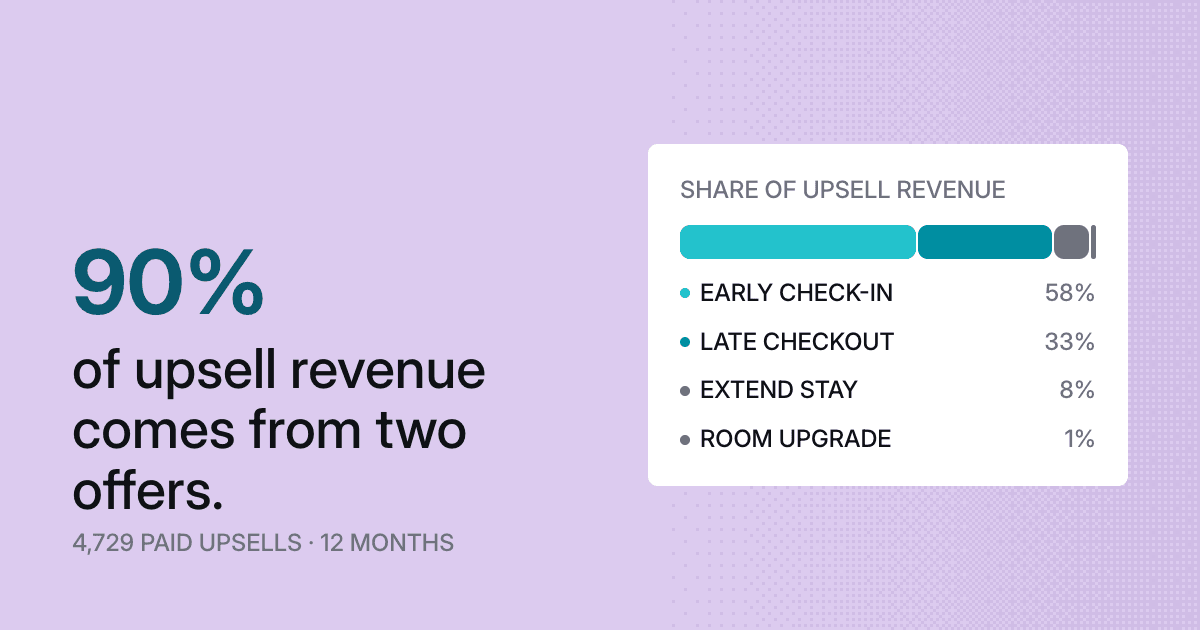
Which hotel upsells sell best: two offers take 90% of the revenue
Akia looked at 4,729 paid upsells worth $370,625 across roughly two dozen hotel and vacation rental operators over twelve months. Early check-in and late checkout took 90% of the revenue.
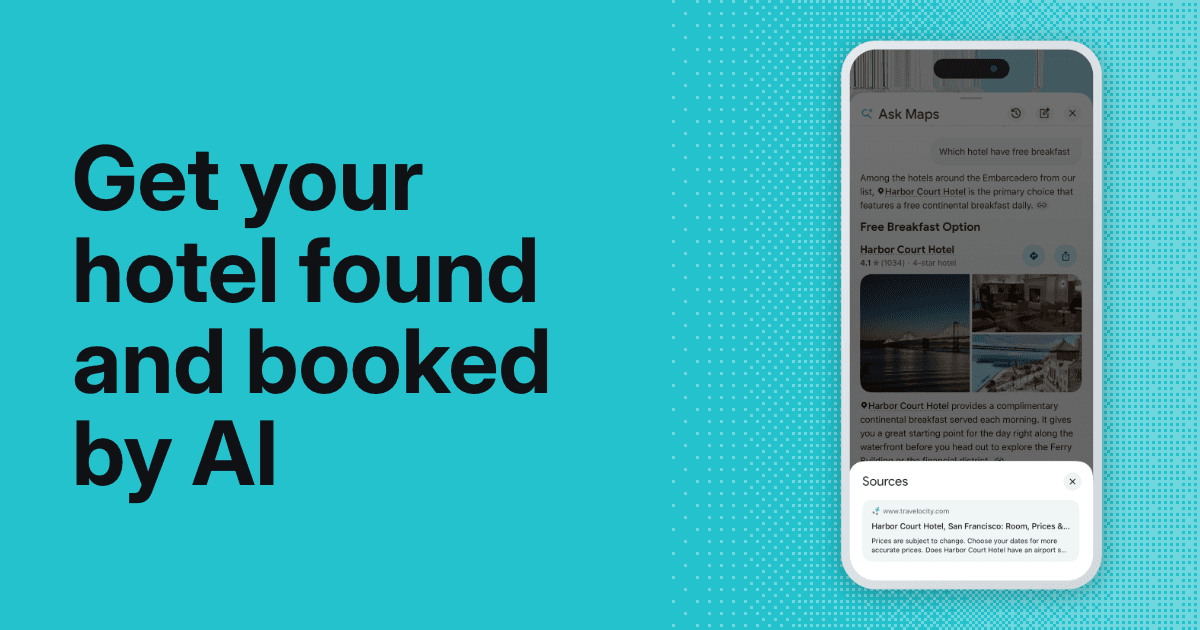
How to get your hotel found and booked by AI
Guests are letting AI find and book their stay. Here's what mentions and citations really are, why rankings stopped converting, and the five things that move it.
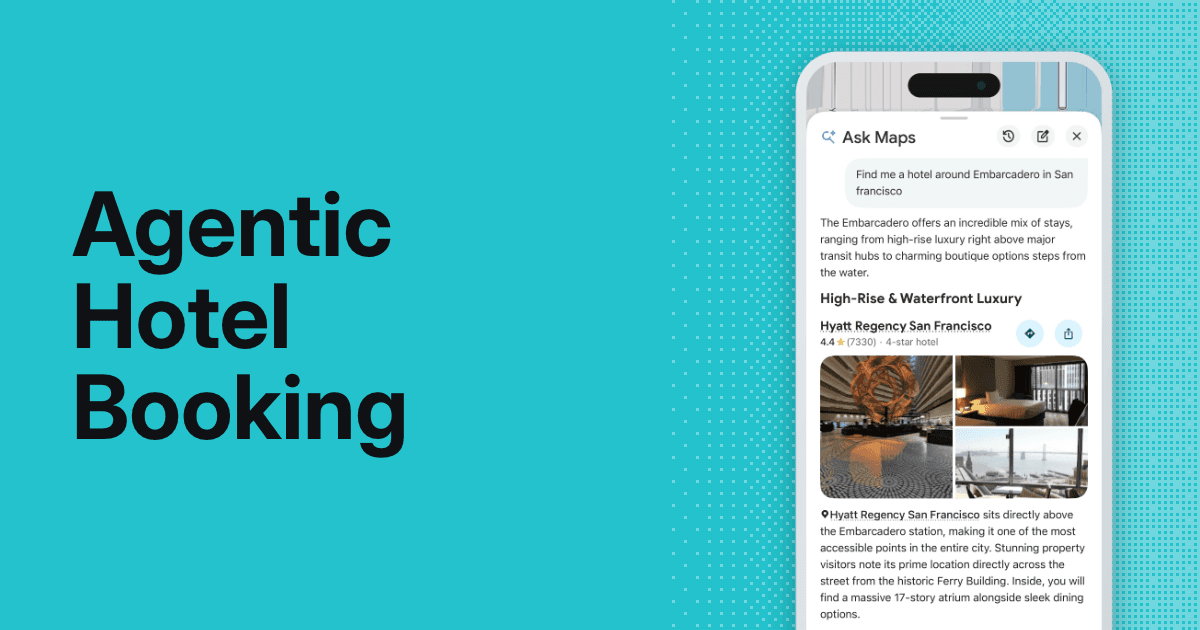
Agentic hotel booking and Google's Ask Maps: what it means for hotels
Google's Ask Maps now finds and prices hotels for travelers, and full agentic booking is close behind. Here's what it means for your property and your direct bookings.
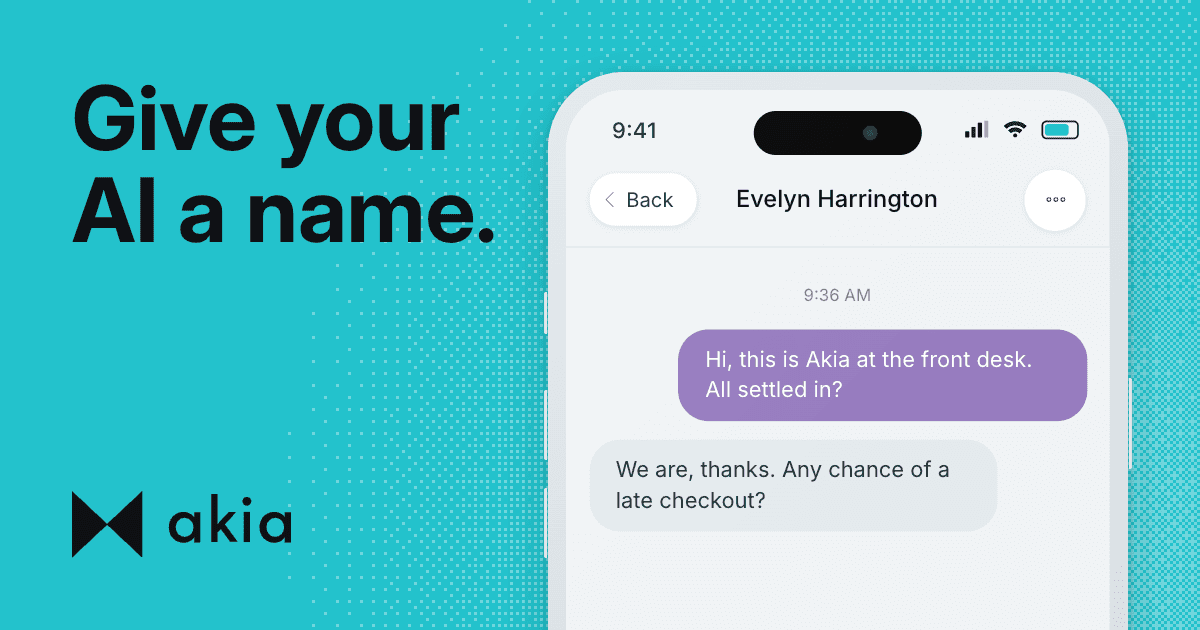
Hotel Guest Communication Tips, Tested on 413,000 Messages
You name your pets. Should hoteliers and hosts be naming their AI?
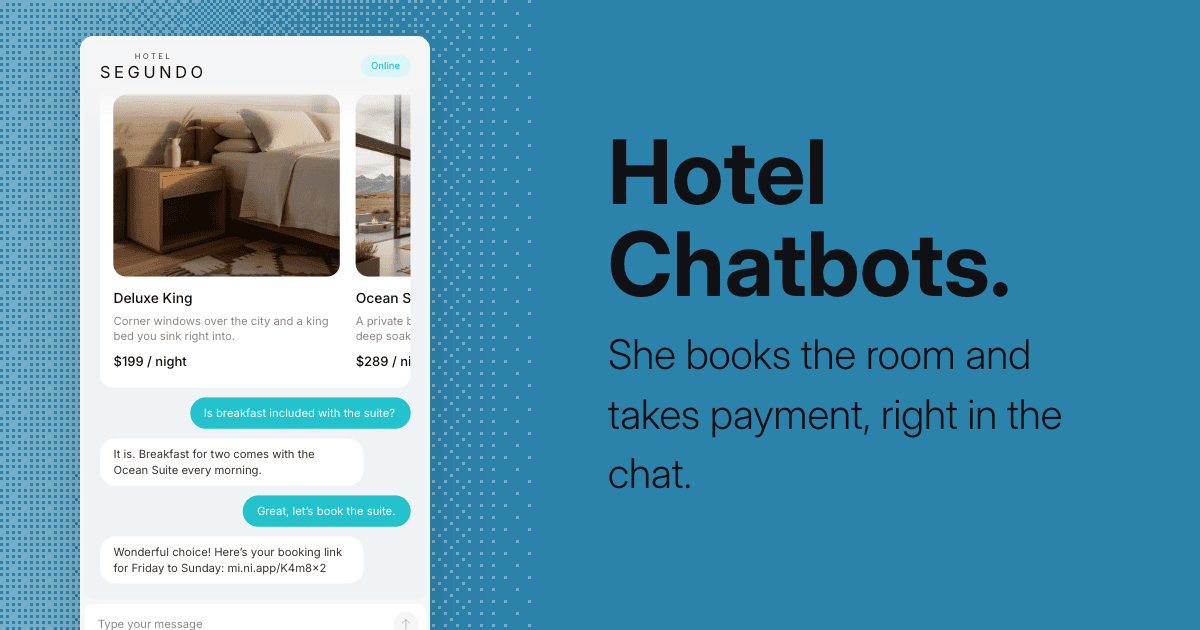
Hotel Chatbots: How They Work and How to Choose One
A hotel chatbot answers guest questions automatically across web chat, SMS, and OTA channels. Here is how the three types work and what to look for when choosing one in 2026.
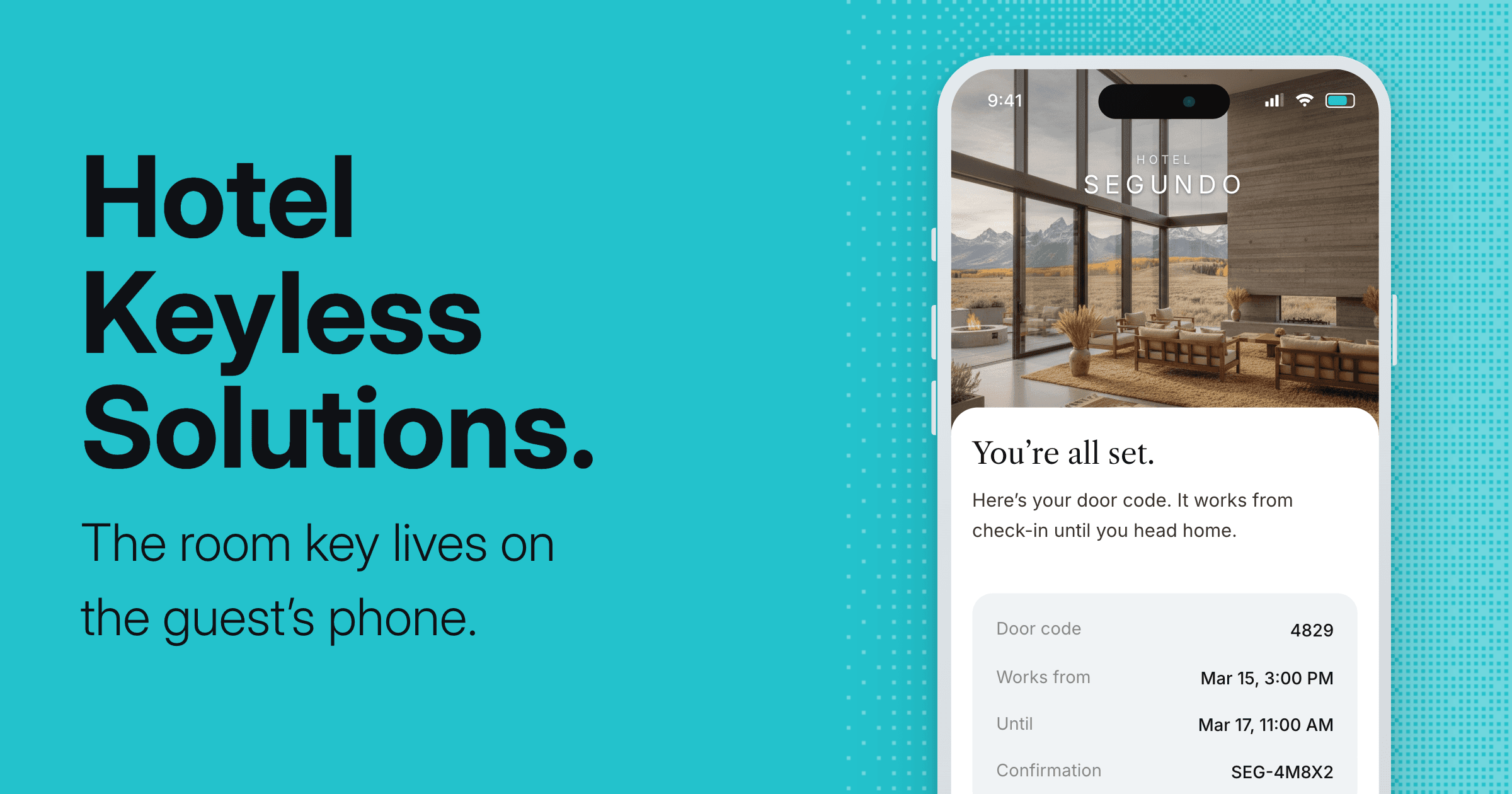
Hotel Keyless Entry: How Mobile Room Keys Work
Hotel keyless entry lets guests unlock their room from their phone or a door code, with no keycard and no front desk. Here is how it works and what to look for.

Hotel Email Marketing: Driving Repeat Stays and Direct Bookings
Email is the one guest channel you own. What to send, when to send it, and how Akia drafts each campaign, with real results from properties like Circle Hotel Fairfield and Faria Resorts.
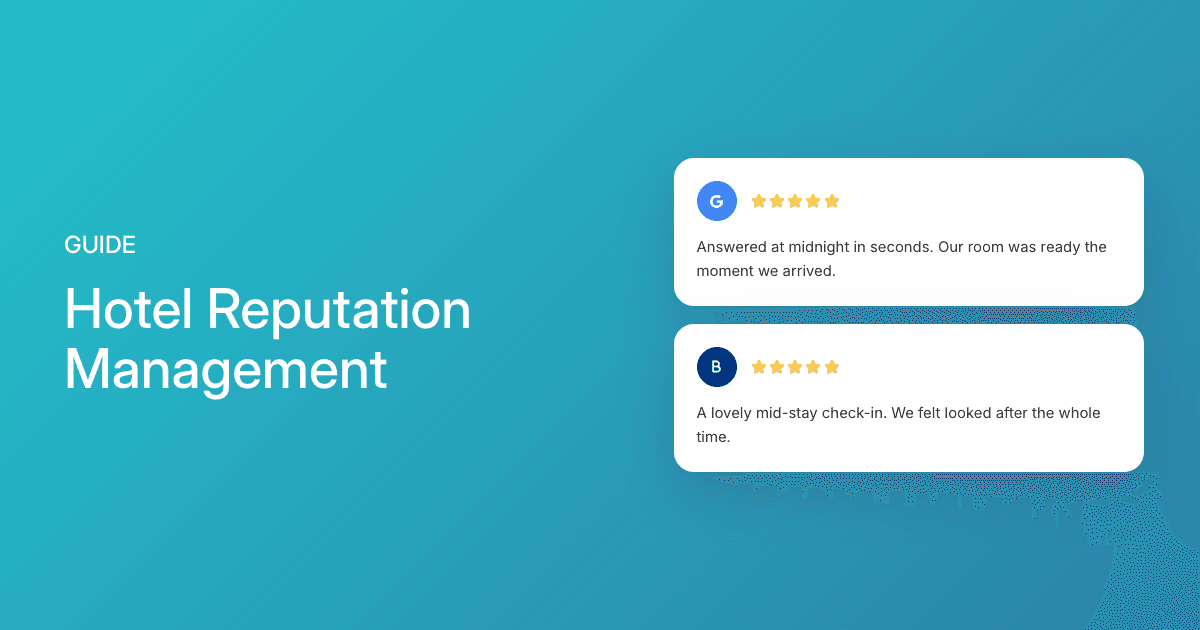
Hotel Reputation Management: A Complete Guide
A complete guide to monitoring, responding to, and improving your hotel's online reviews, plus the move that stops the bad review before it's ever written.
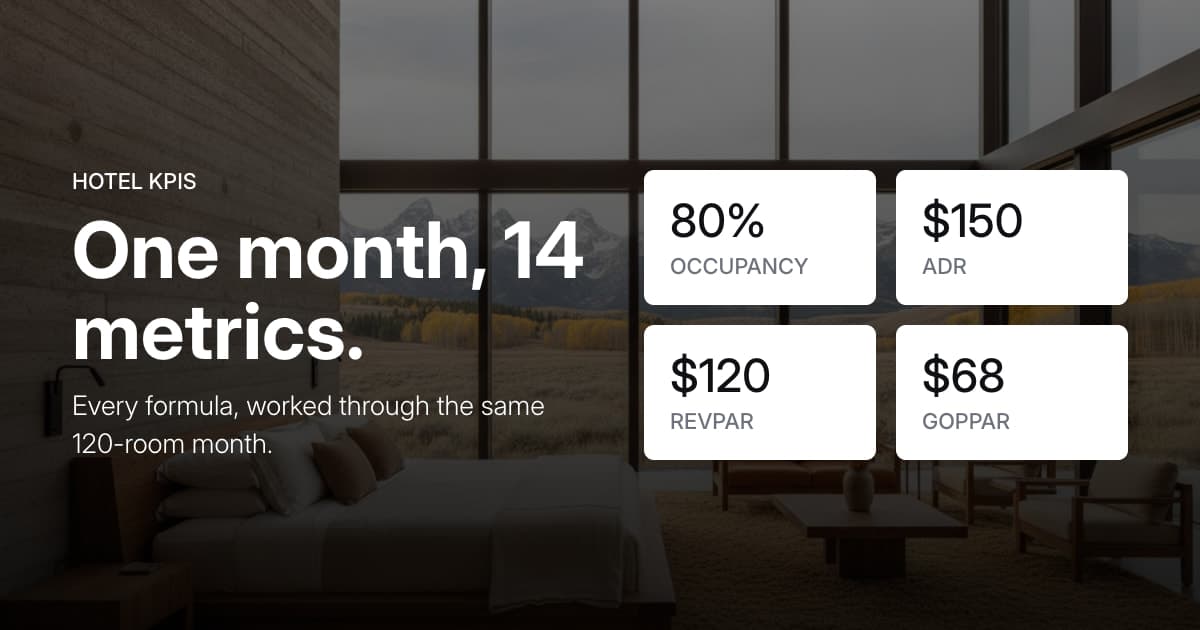
Hotel KPIs: 14 Metrics Every Property Should Track
RevPAR, GOPPAR, CPOR, RGI, ALOS, and nine more, each with its formula and all of them worked through the same 120-room month so the numbers connect.

The Best AI Guest Communication Software for Hotels in 2026
Chatbot, copilot, or AI agent? Compare the guest communication platforms hoteliers actually shop for in 2026, sorted by what each does best.
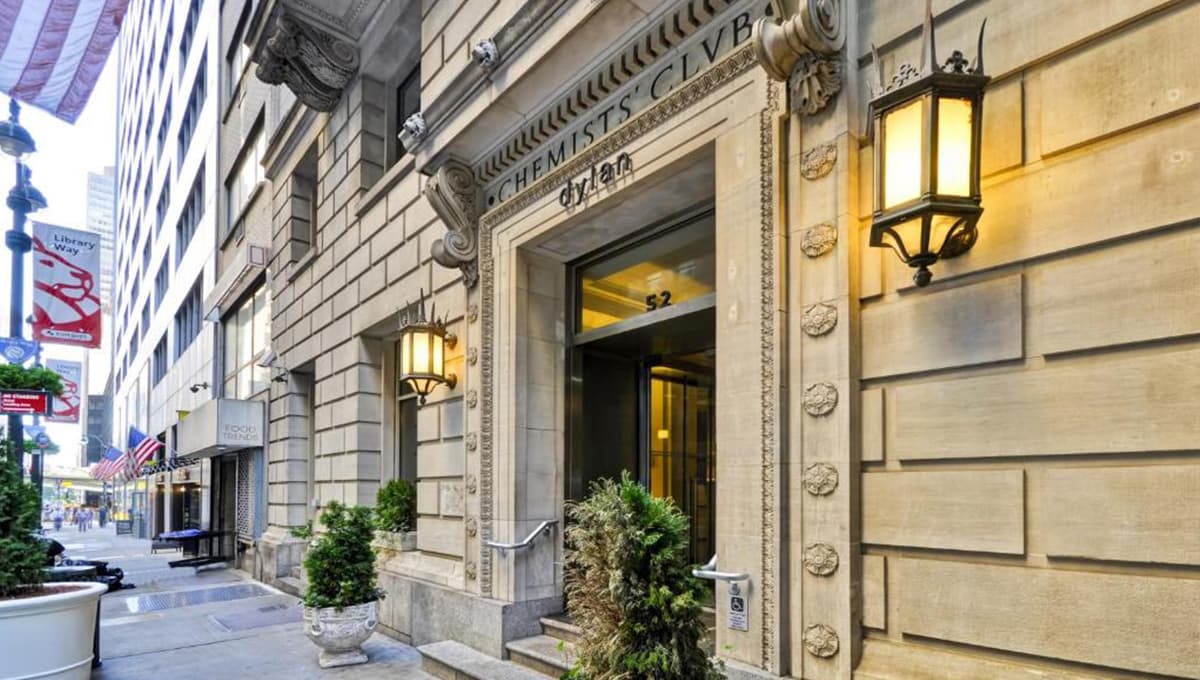
How Dylan Hotel Climbed 300+ Ranks on TripAdvisor
Dylan Hotel NYC climbed from #390 to #63 on TripAdvisor in a little over three years. Here is how better review timing did it.
How to Respond to Negative Hotel Reviews (and Prevent More)
Respond to negative reviews quickly and tactfully with the help of artificial intelligence.
Why Google Reviews Beat TripAdvisor
You're in a new city looking for dinner, so you pull out your phone and search. Two restaurants show up nearby: one at 4.5 stars, one at 2.5. You already know which one you're picking.

Why Your Hotel Needs a Reputation Management Strategy
How often do you check the reviews before going to a restaurant? Would you avoid a restaurant with less than 3 stars?
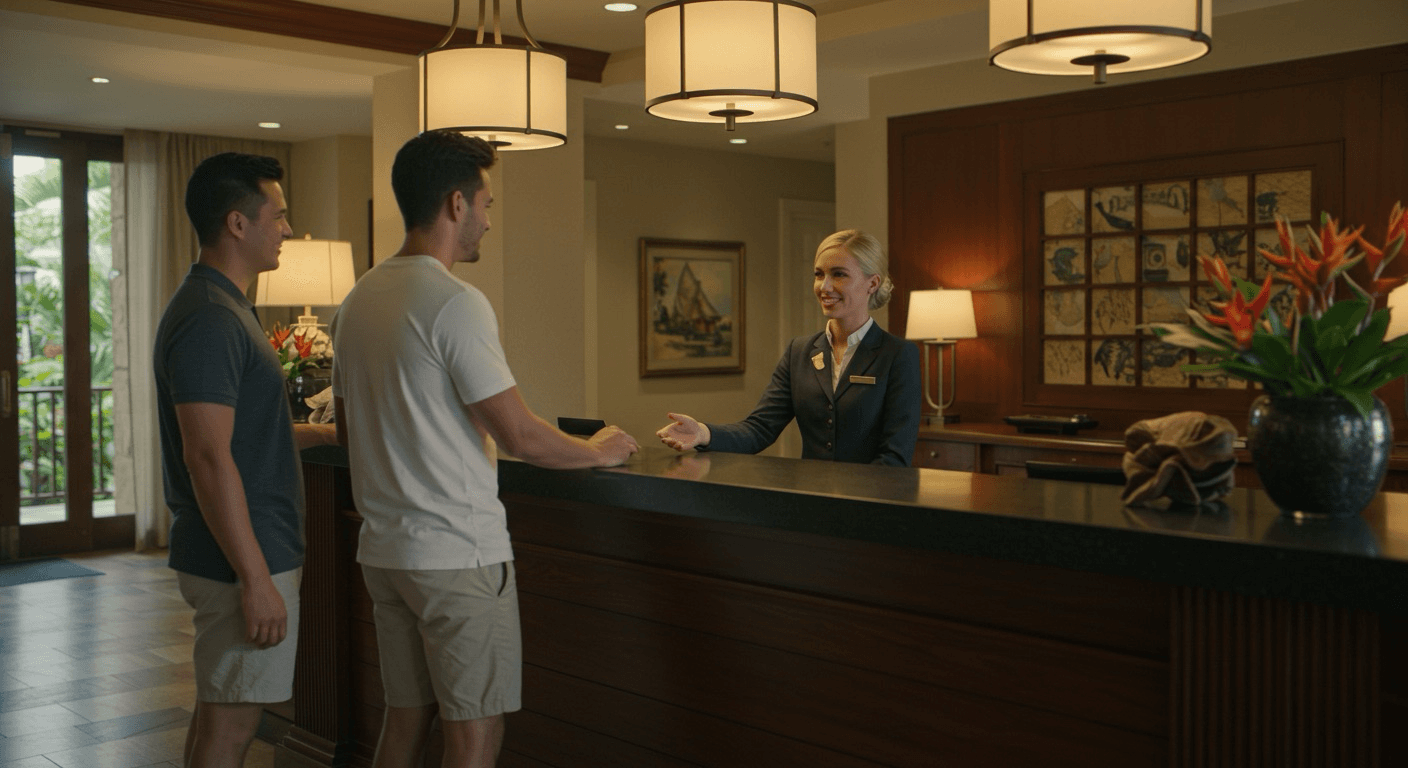
What Does "Comped" Mean?
Comped means given for free. Here is what it means at a hotel, casino, and restaurant, how comps actually work, and how to get comped.

Hotel vs Resort: What's the Difference?
The real difference between a hotel and a resort, what resort fees cost in 2026 under the new FTC rule, and how to choose the right stay for your trip.
What is RevPAR?
A practical guide to understanding RevPAR, how to calculate it, and what it reveals about hotel performance.

International Housekeepers Week 2026: Dates, Ideas, and Ways to Thank Your Team
International Housekeepers Week 2026 runs September 13 to 19. Here are the dates, celebration ideas, and modern ways to recognize the team that carries your guest experience.

Motel vs Hotel: What's the Difference?
Motels and hotels look alike but are built for different trips. Here's how they differ in price, amenities, layout, and location, and how to choose.
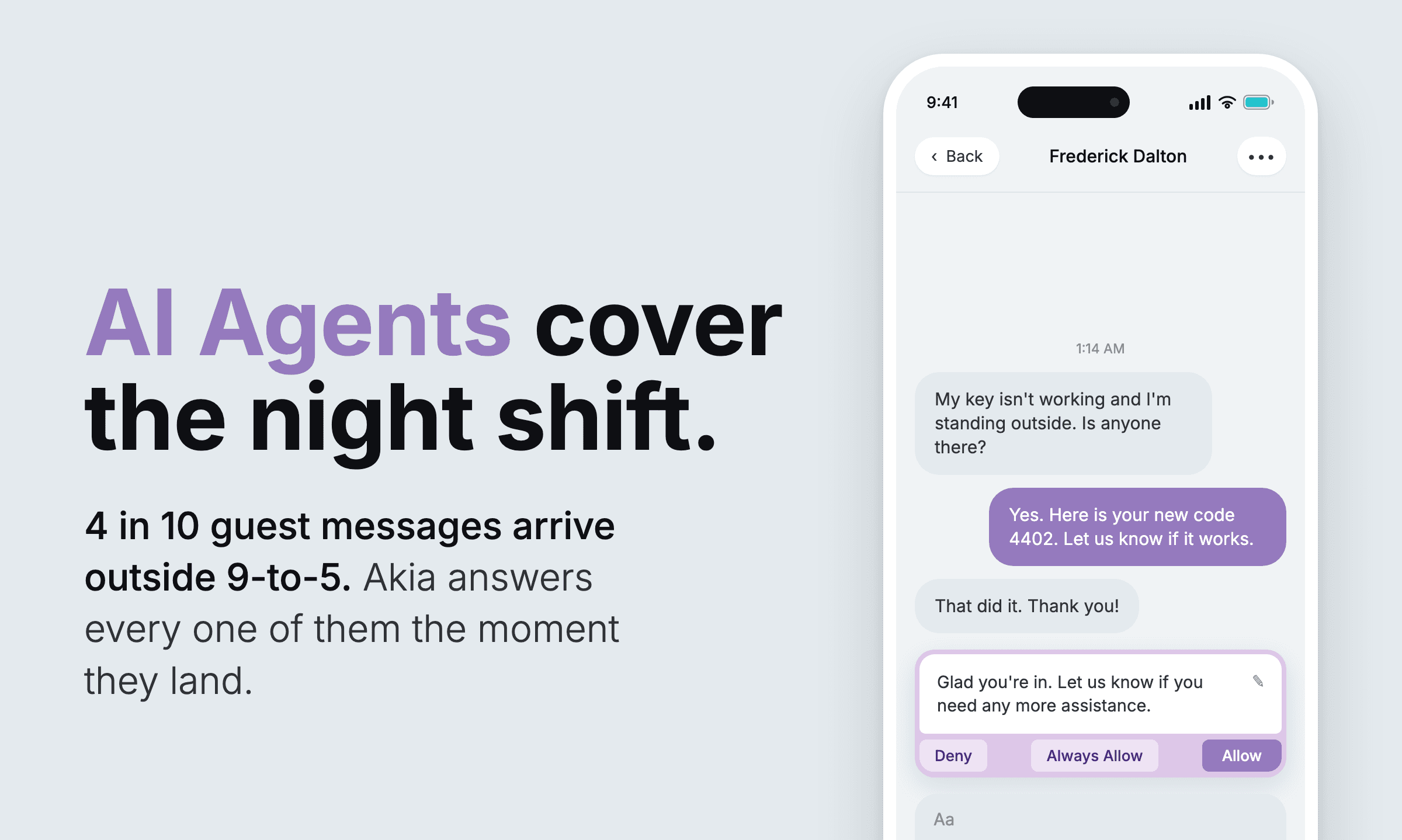
The night shift: 1.4 million guest messages reveal the after-hour demand.
A 30-day look at 1.4 million guest messages shows the ones that arrive after dark are urgent ones, and the slowest to get answered.
How to get direct bookings for your vacation rental (and stop paying OTA fees every time)
The real cost of OTA commissions, five ways operators win guests back to direct booking, and how vacation rental companies are converting one-time Airbnb and Vrbo stays into repeat direct revenue.
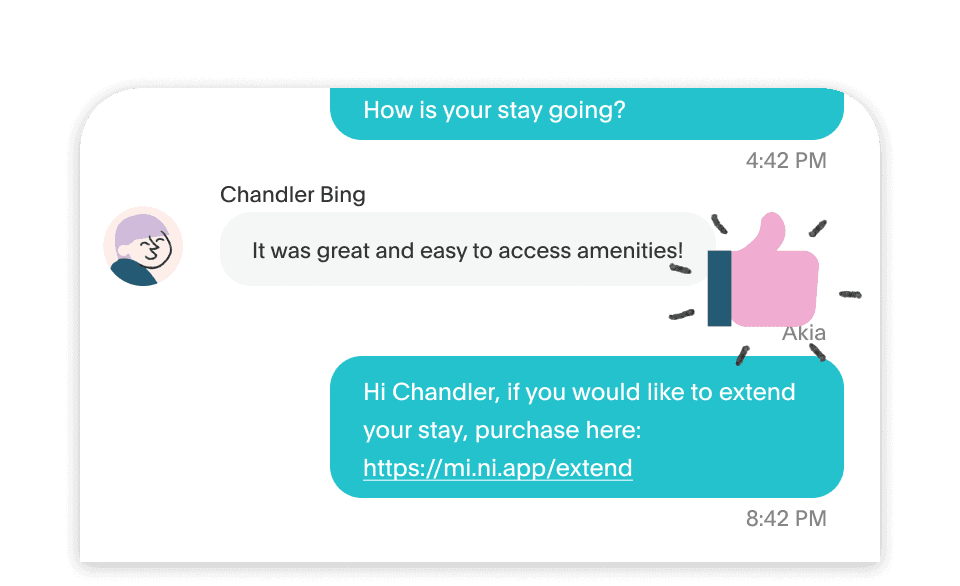
Hotel guest experience: how to design every touchpoint to earn 5-star reviews and repeat stays
A practical guide to improving hotel guest experience, covering pre-arrival communication through post-stay follow-up, and how properties deliver consistent service without adding headcount.
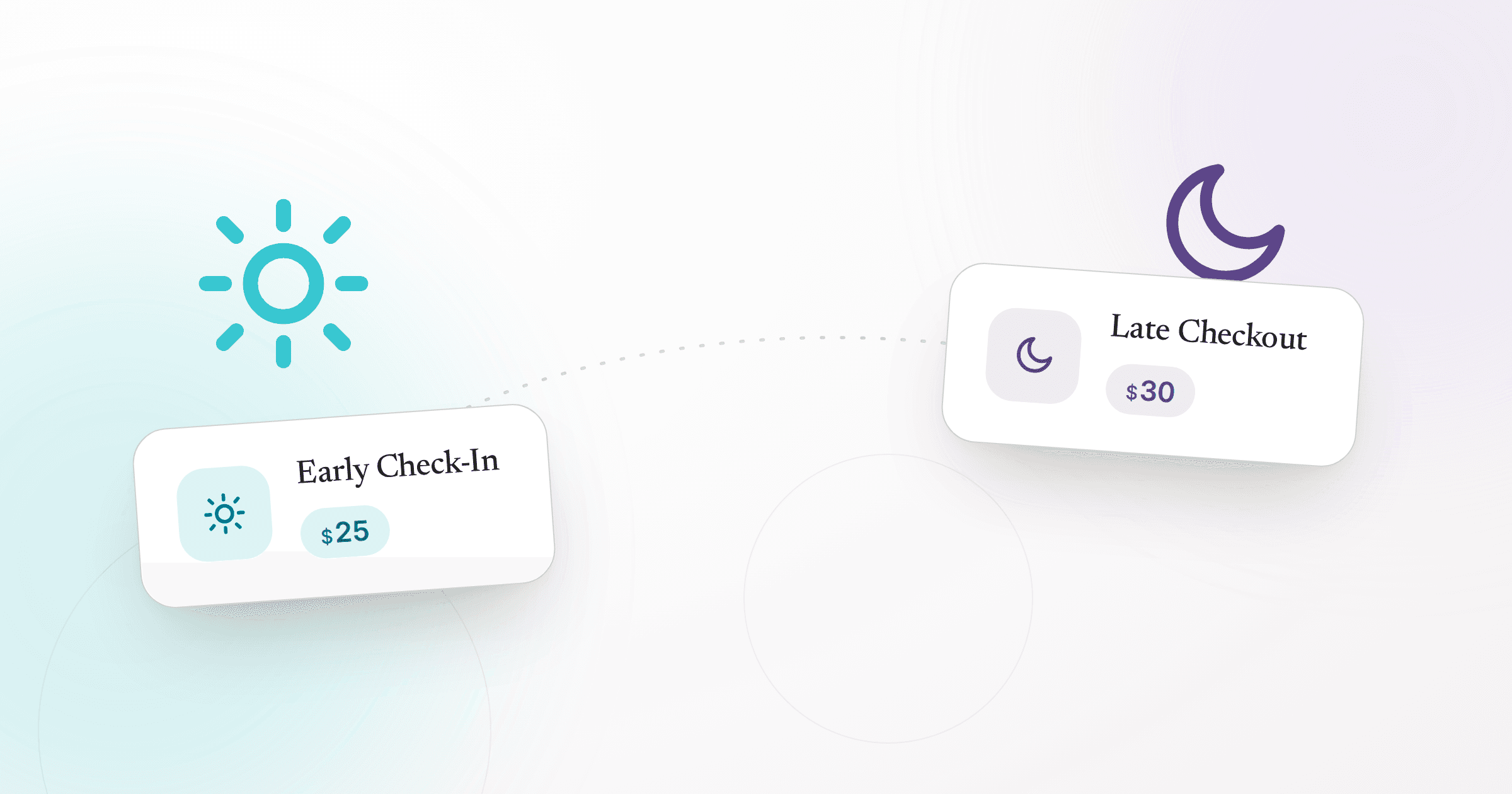
Early Check-In and Late Checkout: when guests actually buy them
Across a year of upsell purchases on Akia, early check-in sells on arrival day (42%) and late checkout sells on departure day (49%), and the bigger the party, the more likely they are to buy and the more they spend.
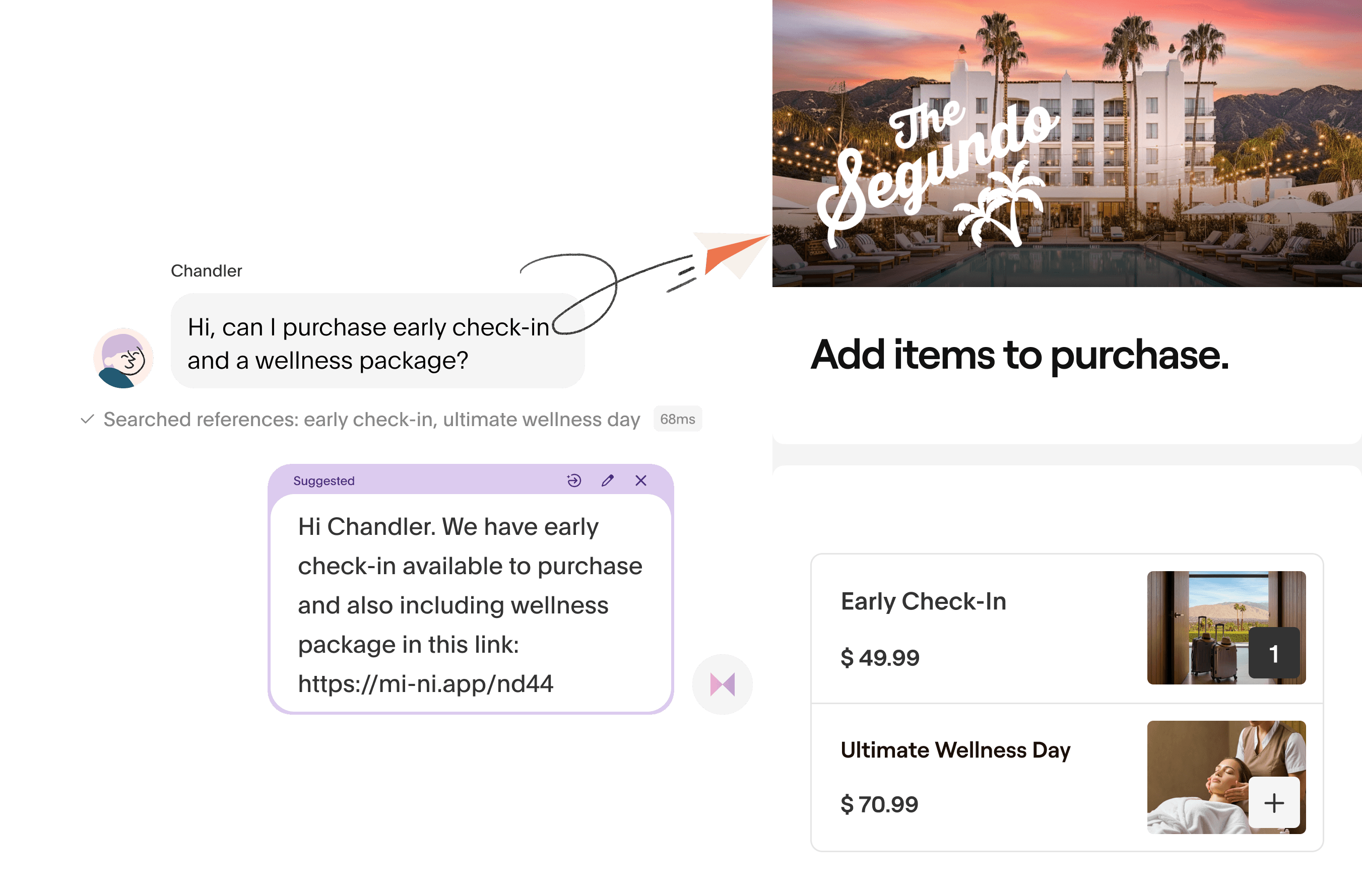
AI for hotels: the tools operators are actually deploying in 2026 (and what each one does)
A practical guide to AI in hospitality — the specific workflows hotels and vacation rentals are automating, what each AI category does, and how to build a stack that actually frees your team to focus on guests.
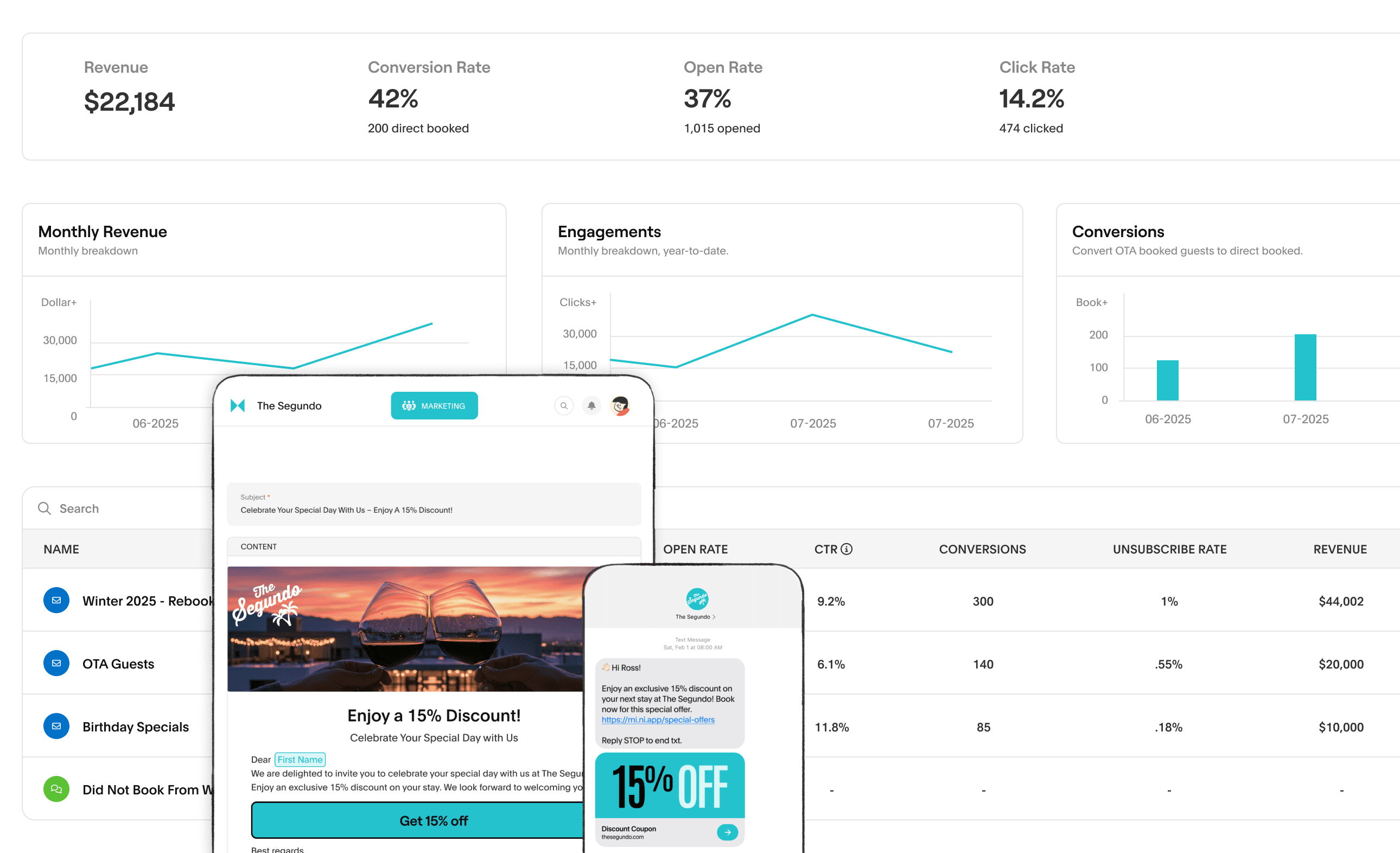
Hotel marketing: a practical playbook for filling rooms and building direct-booking loyalty
A practical guide to hotel marketing: what it covers, which channels drive the best returns, and how properties build direct-booking loyalty without depending on OTAs.
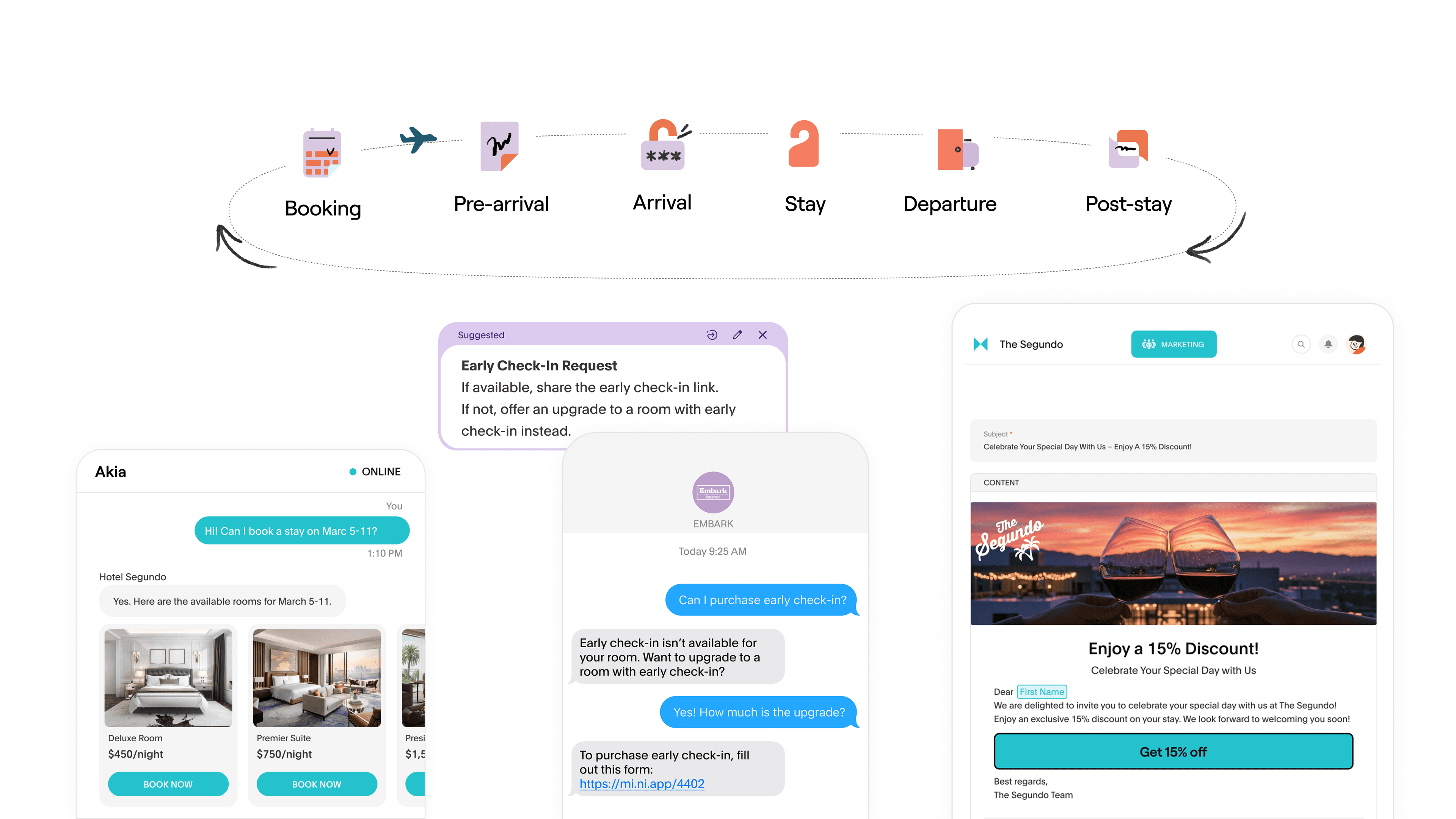
Hotel front desk software: what the best properties use (and why a unified inbox changes everything)
A practical guide to hotel front desk software — the five categories operators actually use, what to look for in each, and why the communication layer matters more than the PMS for day-to-day staff productivity.
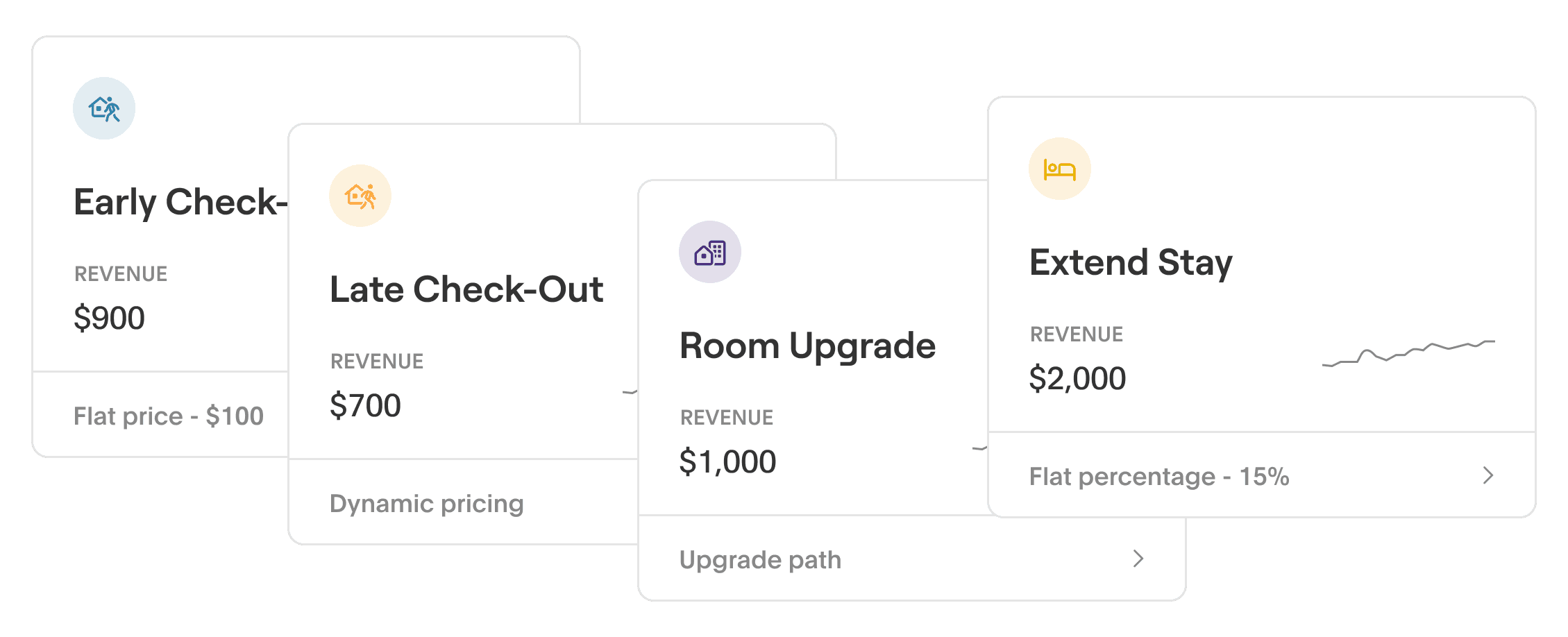
Hotel upgrade software: how to choose a platform that turns check-in into a revenue moment
A practical guide to evaluating hotel upsell software — what to look for, what to avoid, and how properties are generating $1K–$20K/month in ancillary revenue on autopilot.
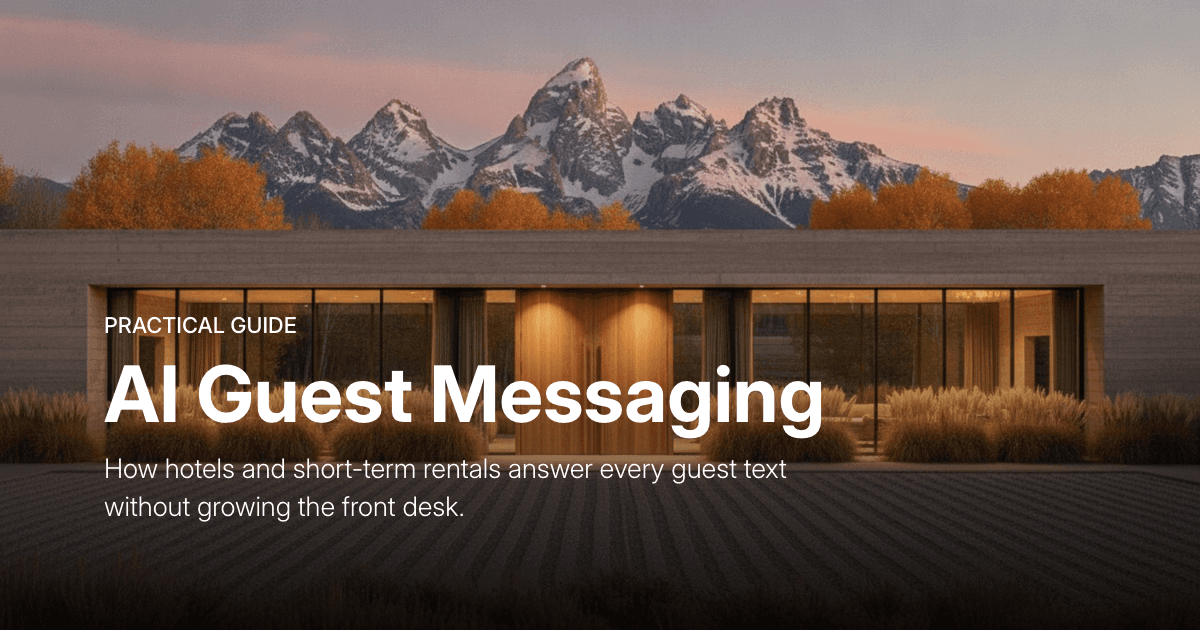
Hotel Text Messaging: How to Automate Guest SMS
Guests text. Here's how hotels and short-term rentals automate SMS and text messaging across every channel without burning out the front desk.
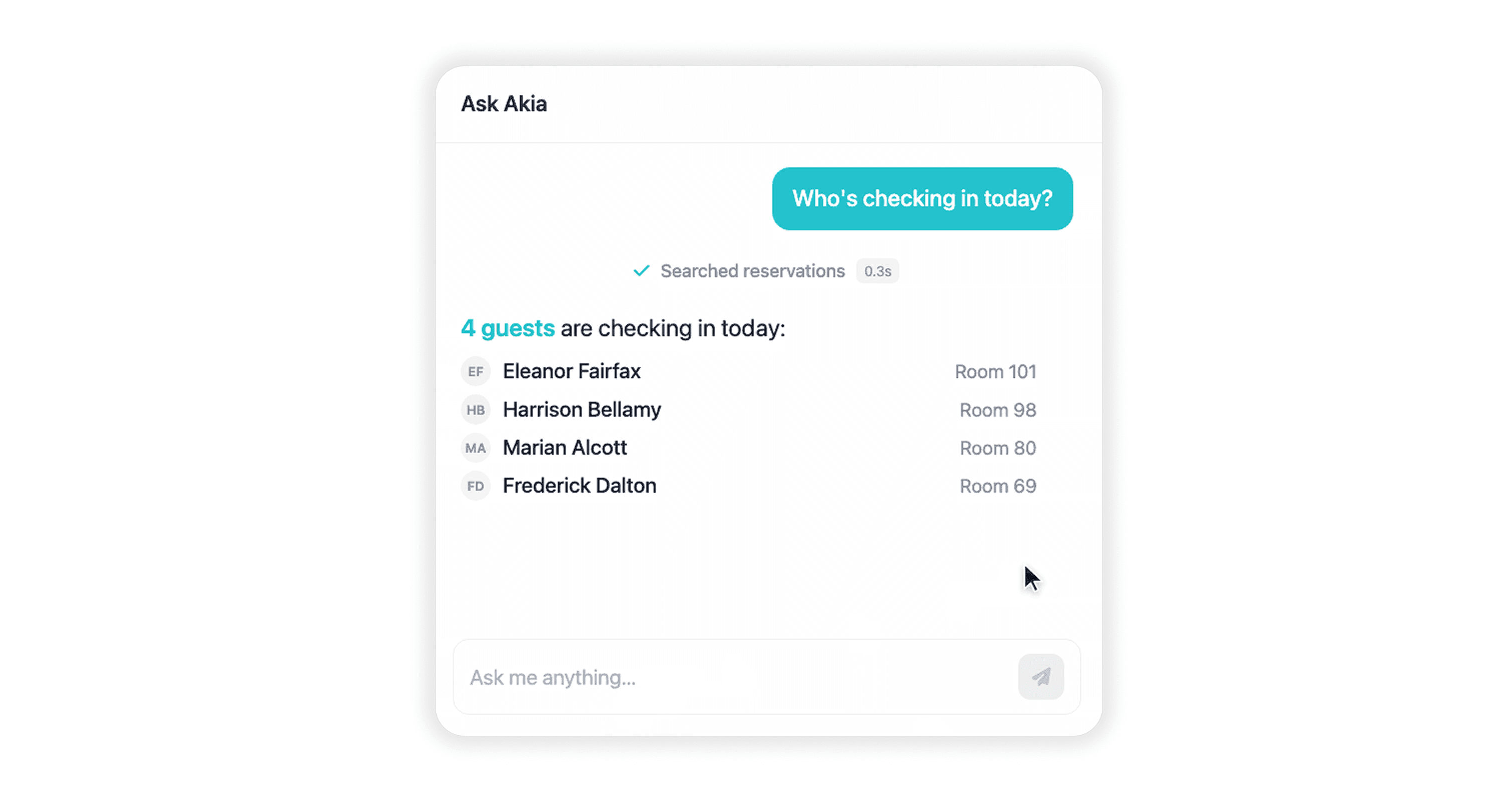
Ask Akia: the same AI handling your guests, now works for your team
For every shift manager who's been asked the same question 40 times and every new hire who's had to call a manager on day two.
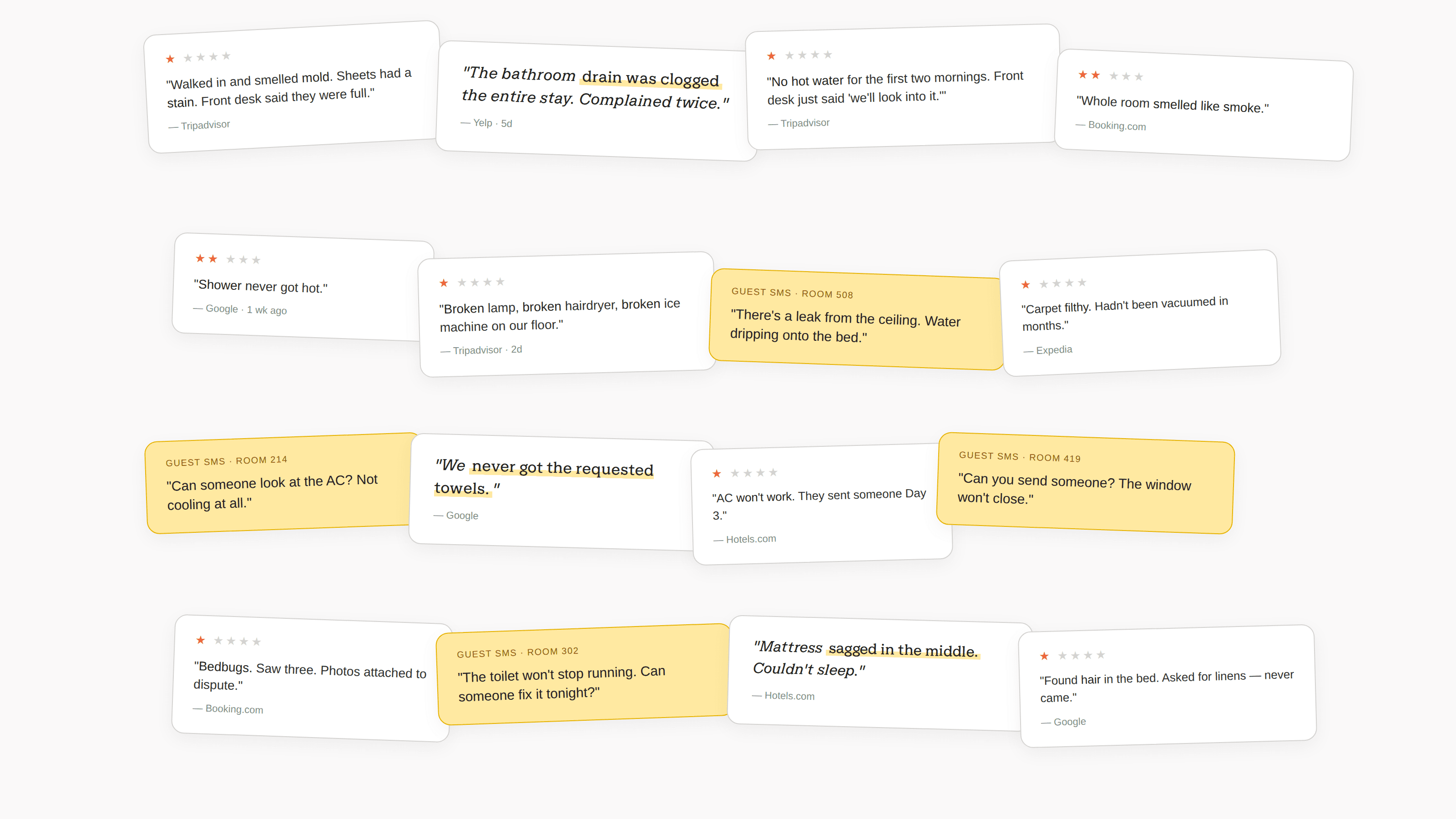
The #1 reason guests leave a 1-star rating.
Akia looked at one- and two-star guest reviews and found 21.8% are about the room itself — six times more than any other complaint category. An in-stay survey catches complaints privately before they go public, an AI agent that picks up on complaints in guest messages spins up tasks for the right team, and patterns across stays show which units and issues keep coming up.
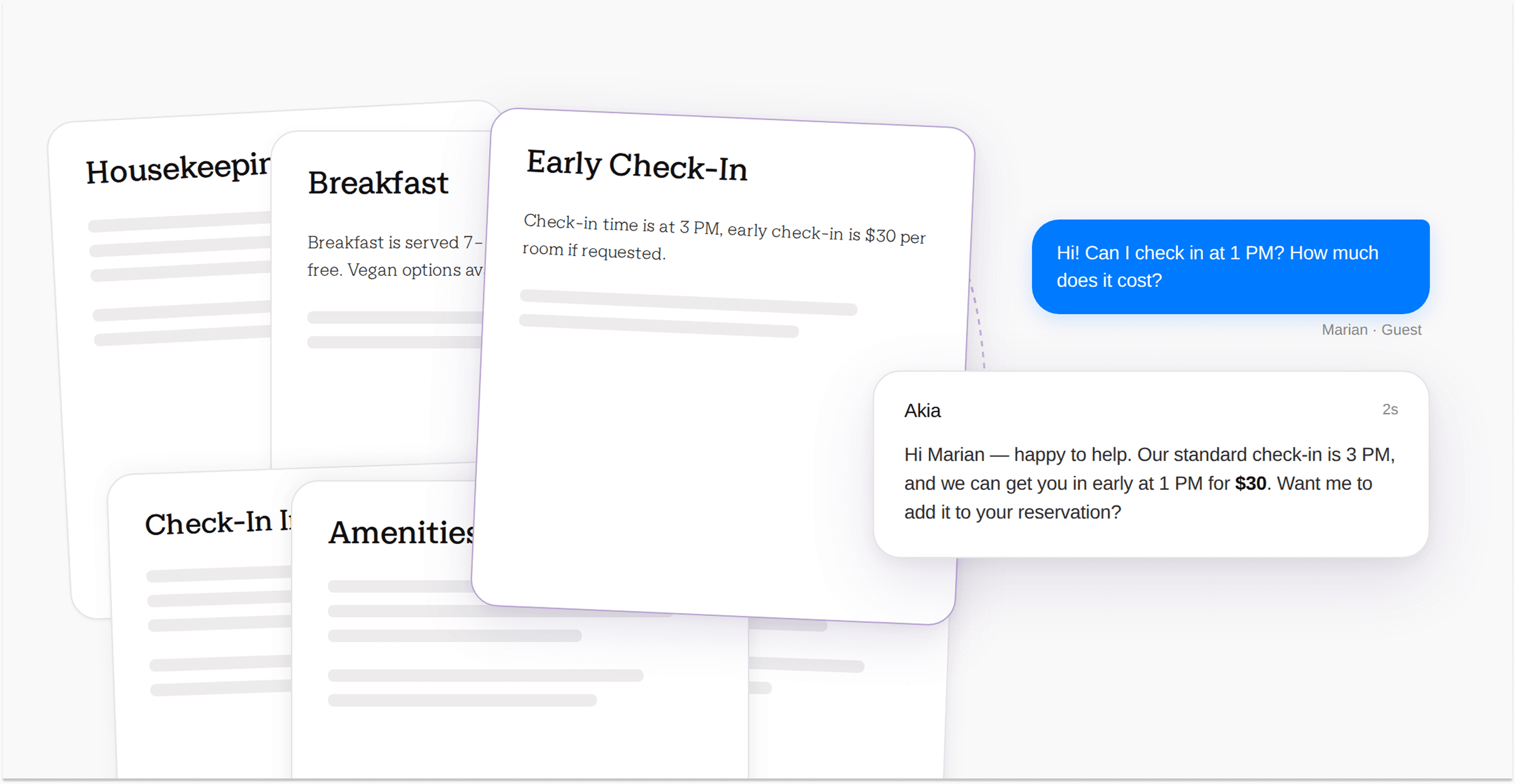
Two things that make Akia work: Knowledge Base and Skills
We've reorganized your AI Agent settings around the distinction that matters most: what Akia knows vs. how she behaves.
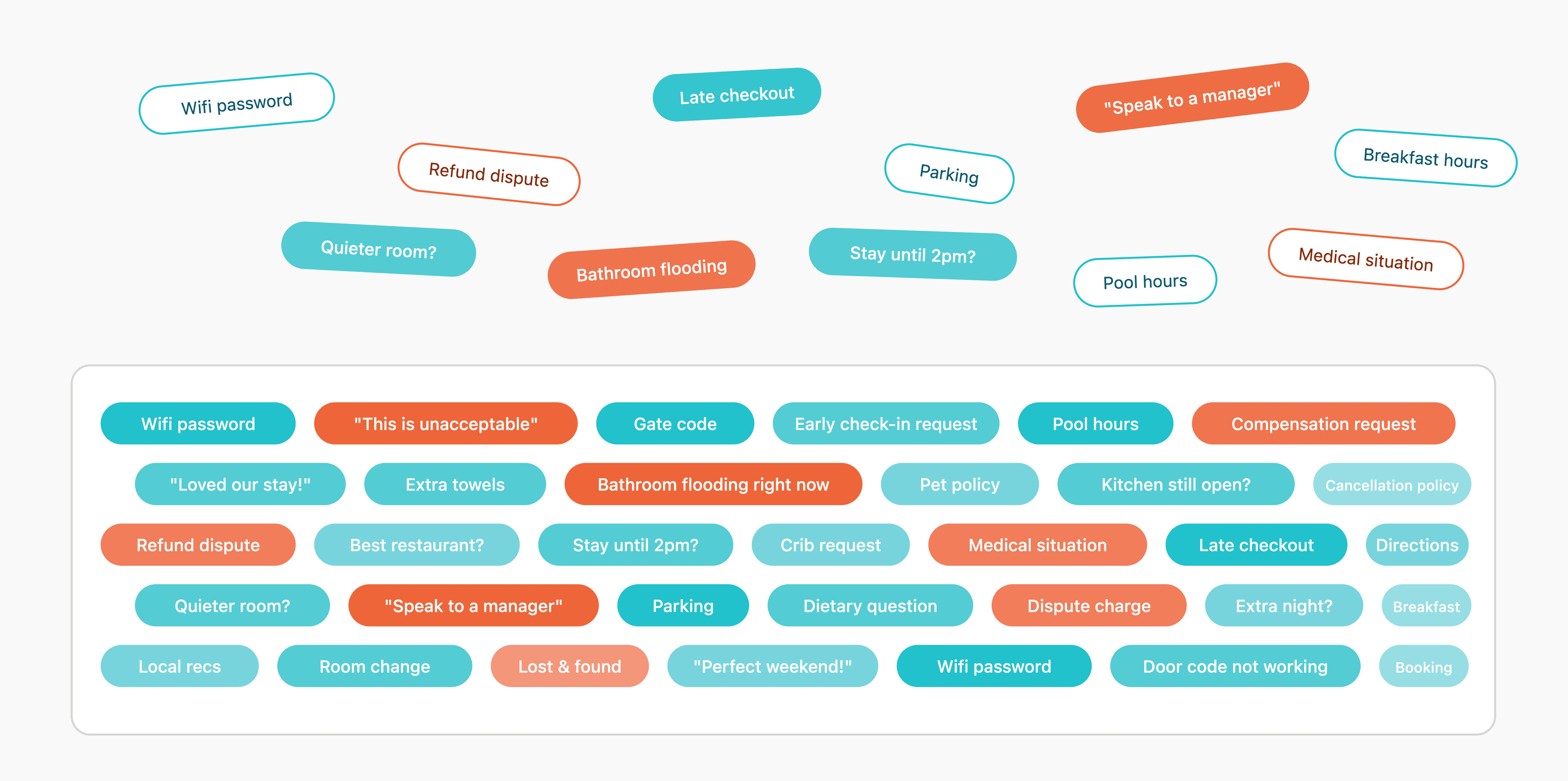
What 900,000 guest messages reveal about how properties actually run
Across a 30-day sample of 900,000 guest messages flowing through Akia, roughly 4 out of 5 are repetitive questions an AI agent handles on day one. A smaller middle tier requires an agent trained on the property's specific policies. A final tier are complaints, refunds, and safety issues that should always escalate to a human.

Akia UI Updates: April 2026
We made updates to the Mini Apps, Knowledge Base, and Orders interfaces. Here’s what changed and where to find things in the new layout.
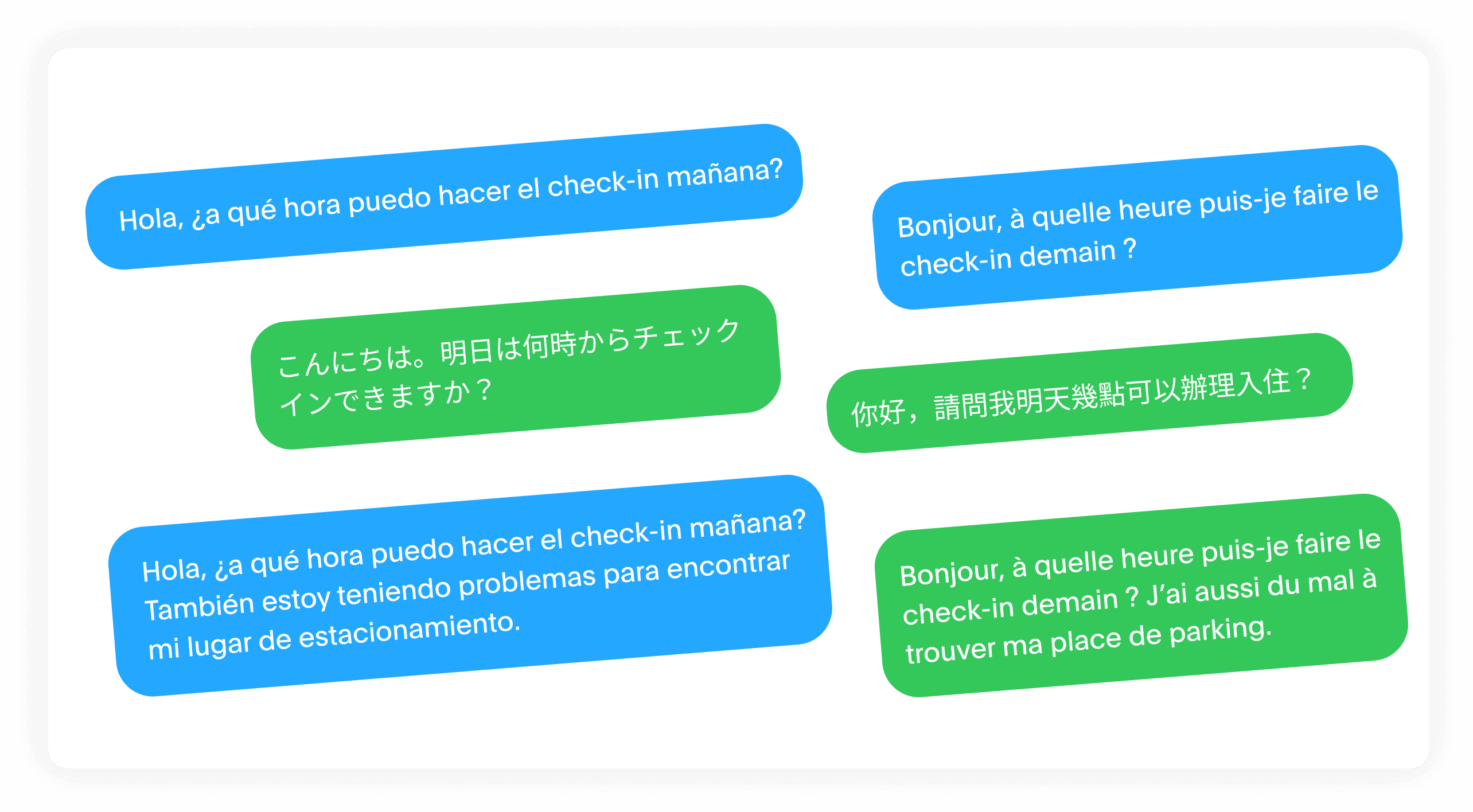
Lost in translation: hotels are turning language barriers into 5-star reviews
The small operational fix that turns frustrated foreign-language guests into five-star reviewers.

Why 65-87% of hotels are chronically short-staffed at the front desk — and what automation is doing about it
The worker gap is widening. Properties that automate now will be structurally better off when it arrives in full.
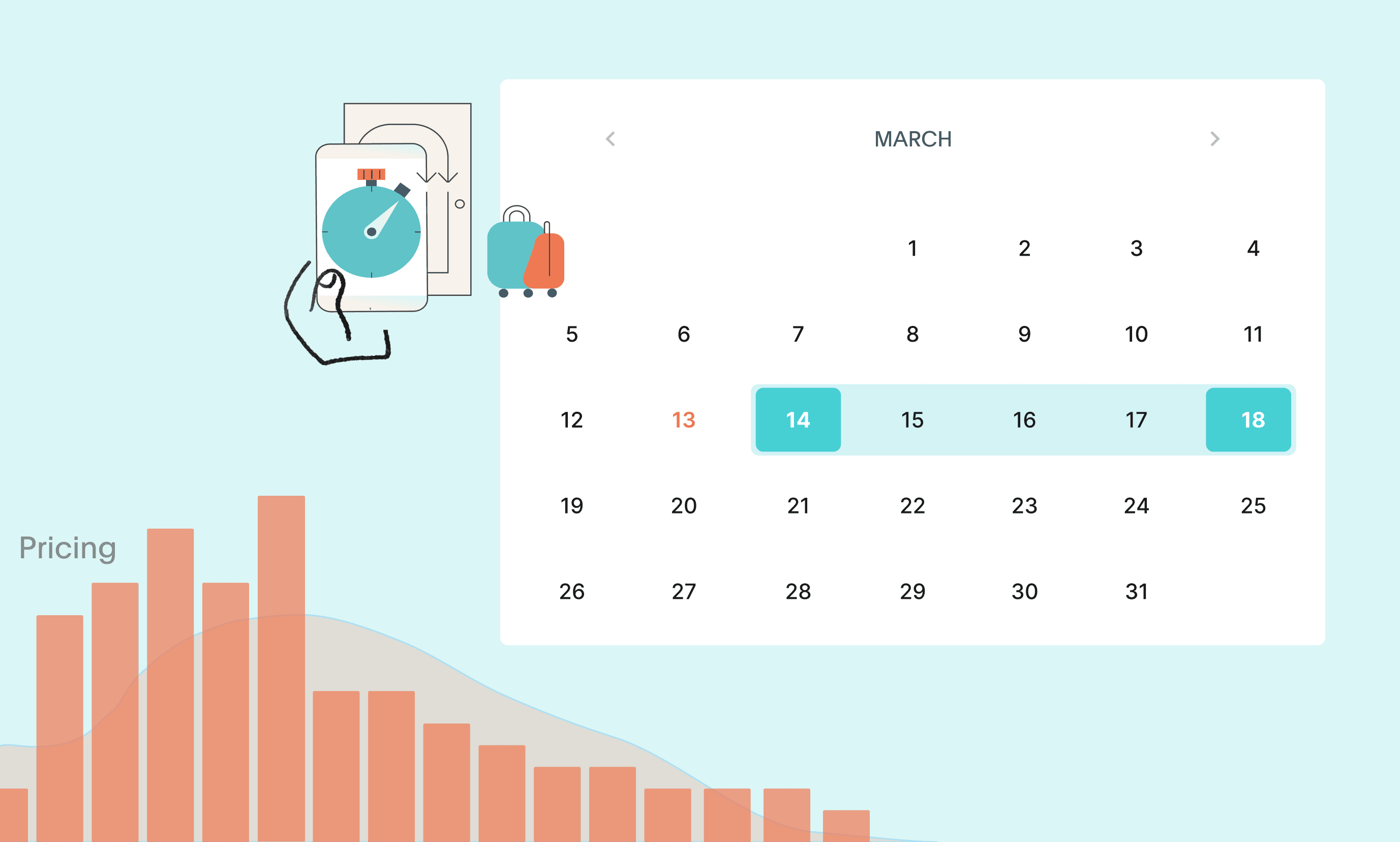
40% of hotel bookings happen within a week.
Why booking windows are shrinking and how to capture last-minute demand without dropping rates
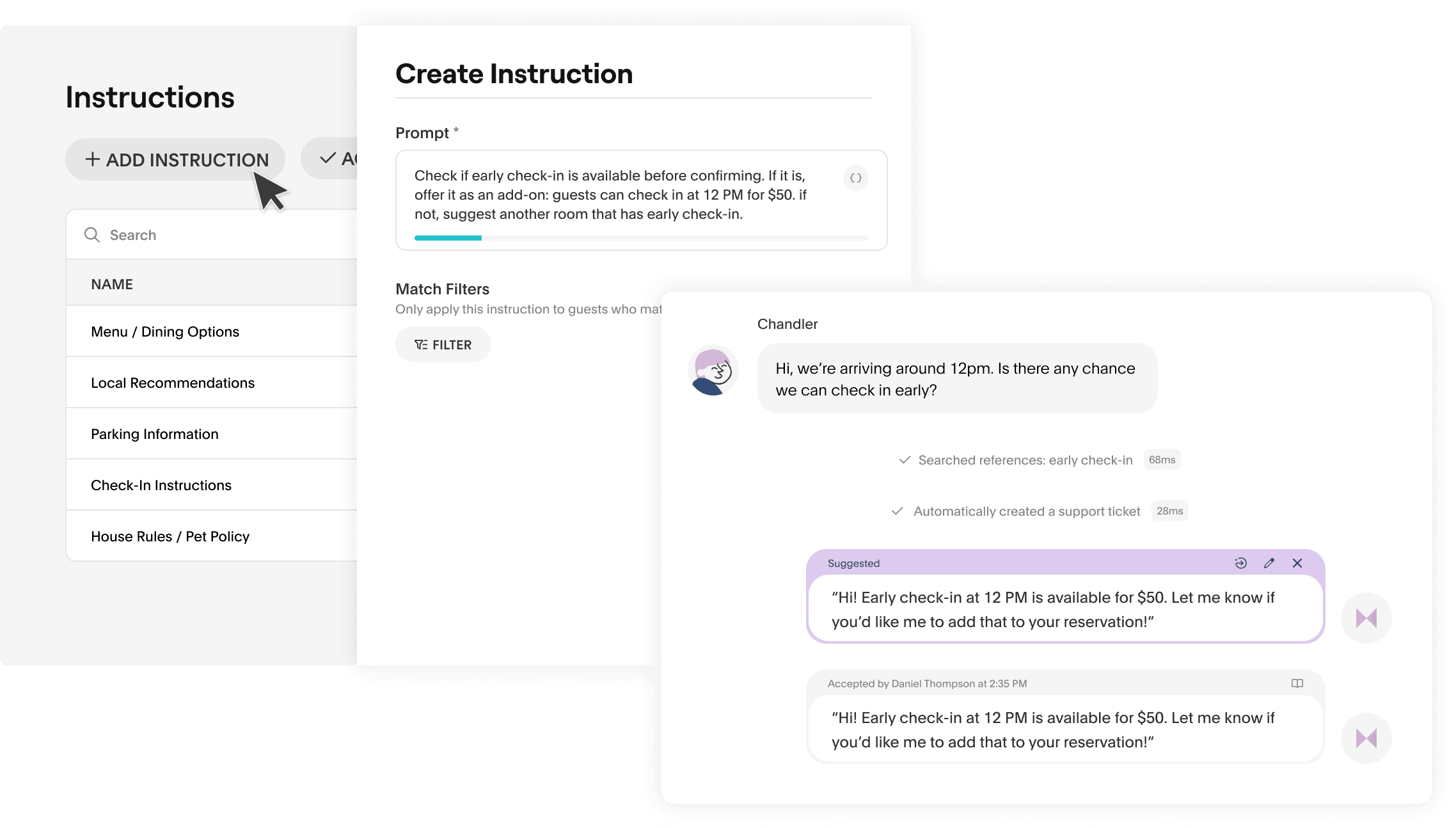
Train it once. Let it work forever.
AI Agents train themselves on your team’s knowledge such as policies, brand, and operations, then apply it across every guest interaction.
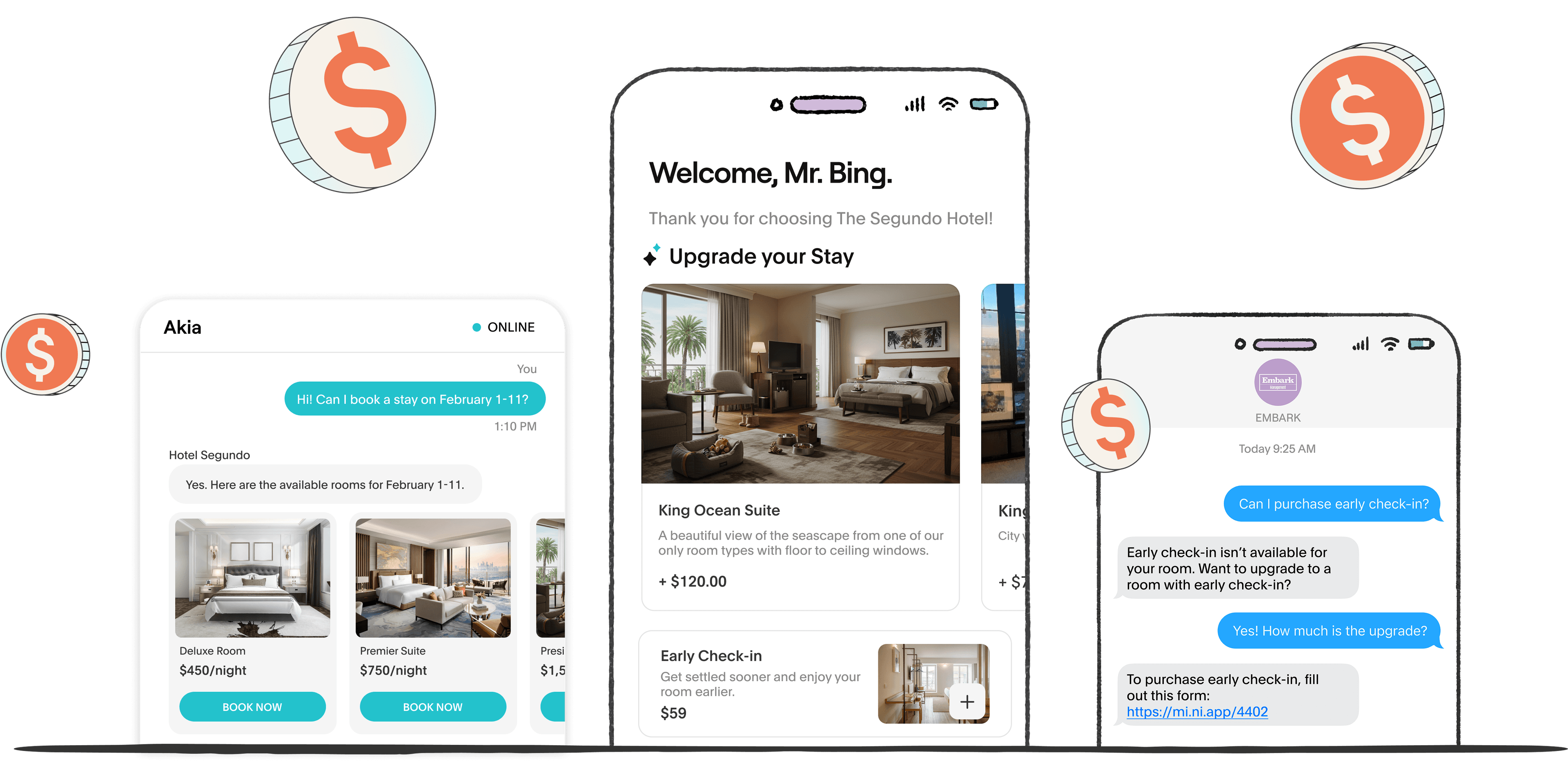
Your AI Agent isn’t just support. It’s a revenue engine.
How to use Akia’s AI Agent to drive direct bookings & upsell smarter.
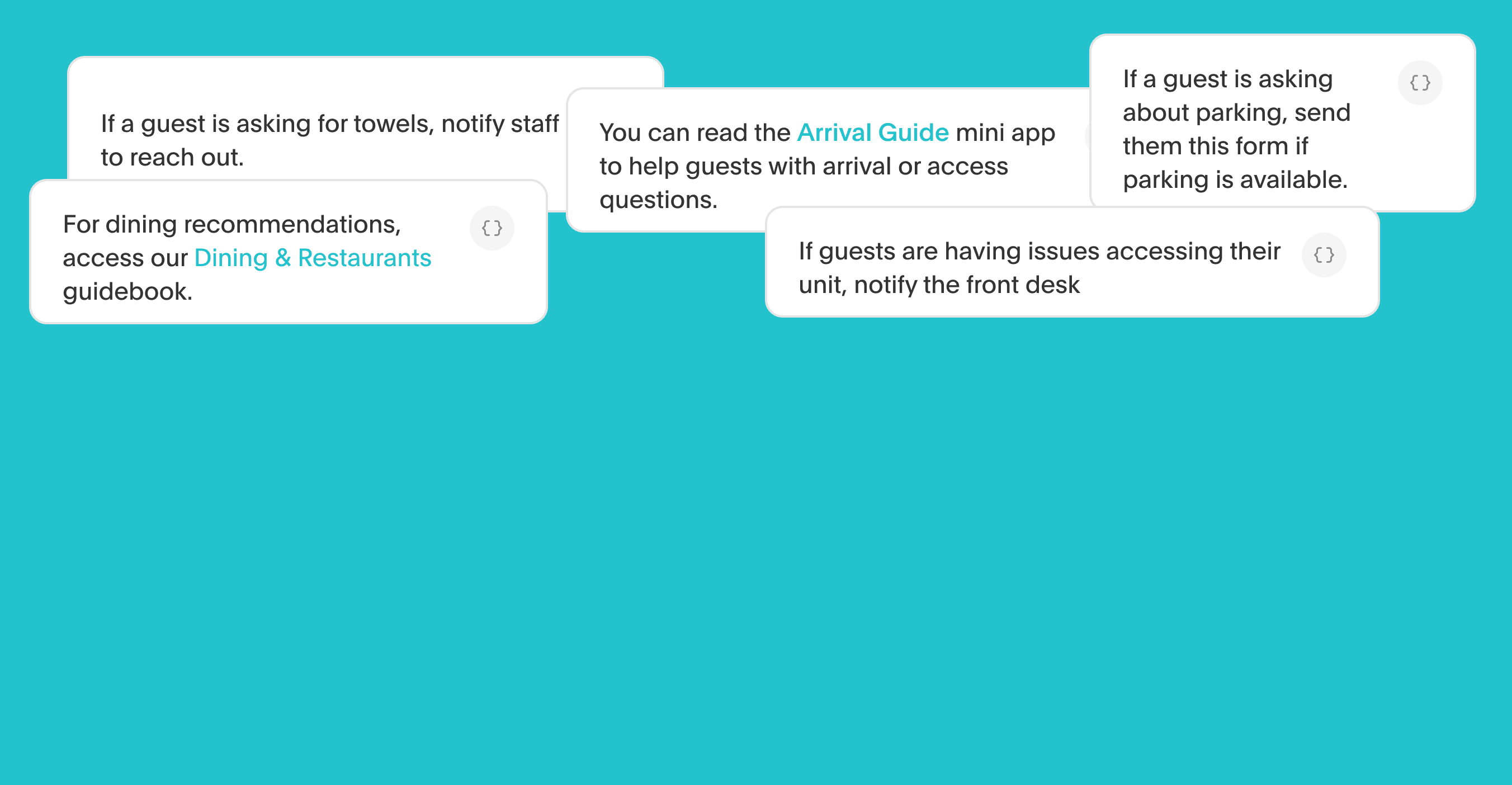
Hand it your property handbook. AI Agents replace months of onboarding.
When most people hear "AI training," they picture months of setup, technical teams, and complex configurations. In hospitality, it’s way easier. Akia's AI Agents learn from your website, your Property Management System, and your team to handle guest experiences on their own.
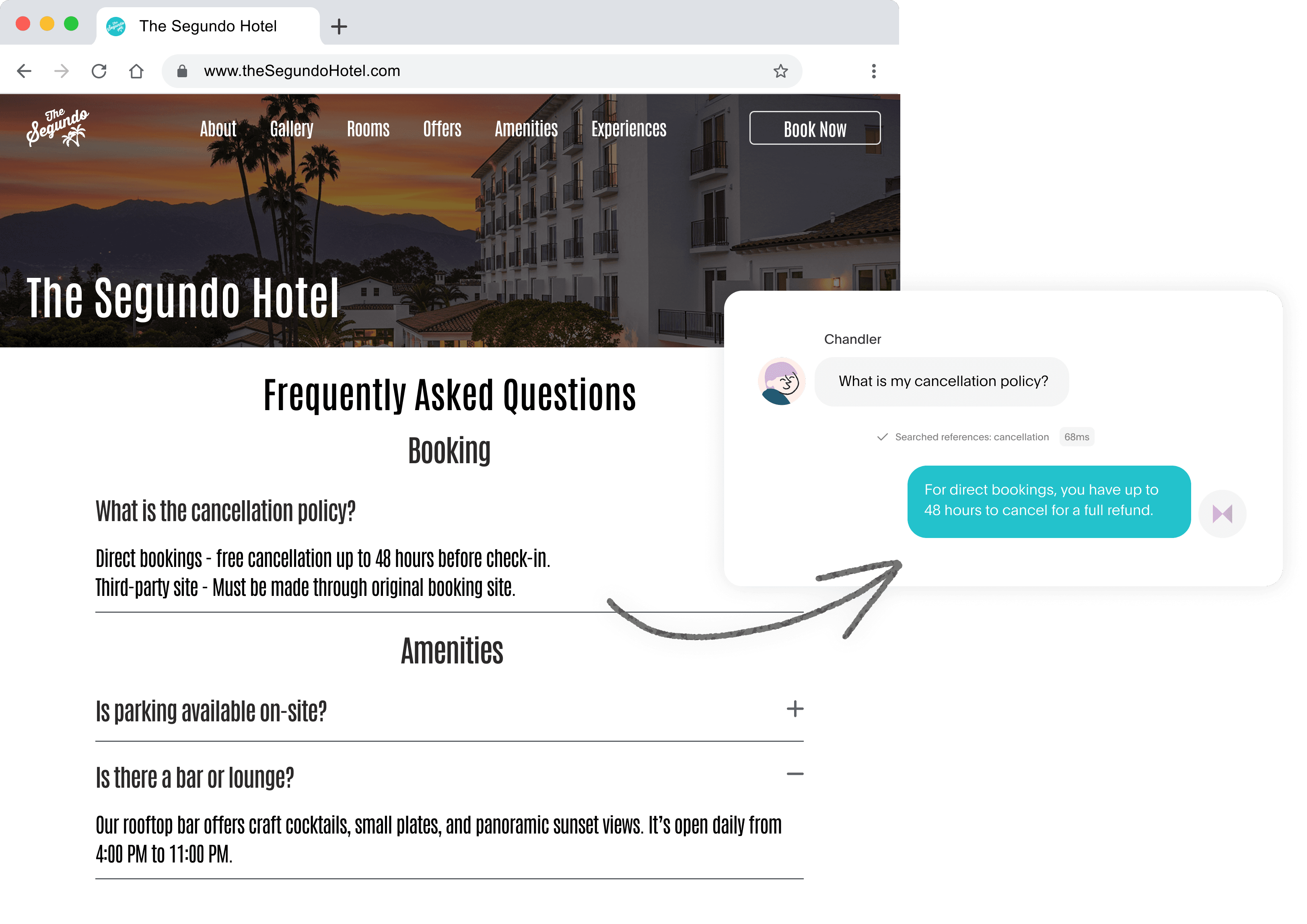
Reduce guest inquiries with AI that reads your website.
Akia’s AI Agents read your website for context on FAQs, policies, amenities, and more to automatically respond to guests.

Akia customers featured in the MICHELIN Key list of top hotels
MICHELIN recognized these Akia-powered hotels for more than just great design; they deliver experiences that guests remember long after checkout.
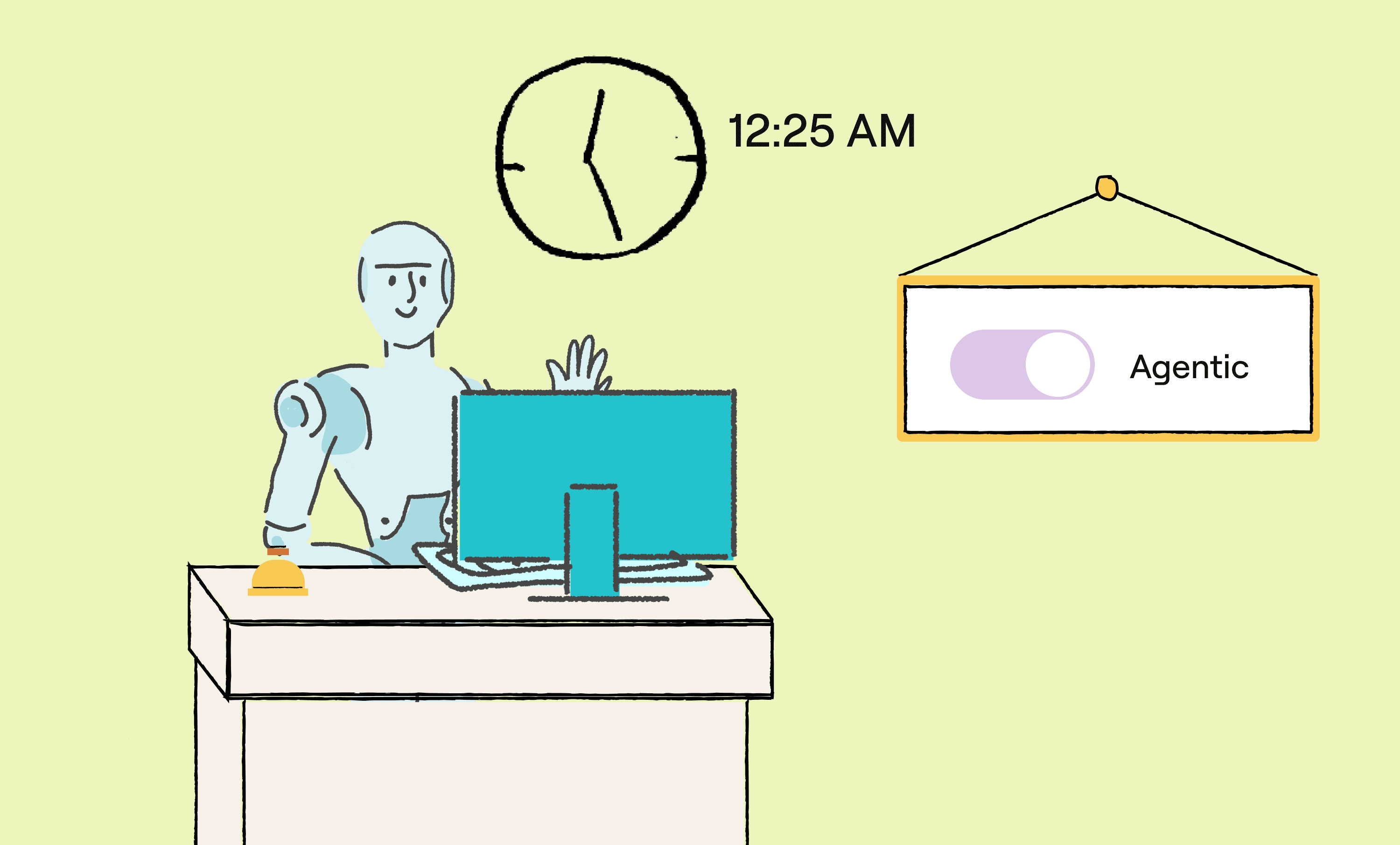
Automate after-hours support for your team.
Schedule when AI Agents need to respond automatically and choose the tasks they’re allowed to handle.

AI Agents troubleshoot issues step by step to reduce maintenance calls.
Walk guests through simple fixes and give your team the context they need to avoid unnecessary dispatches and resolve real issues faster.
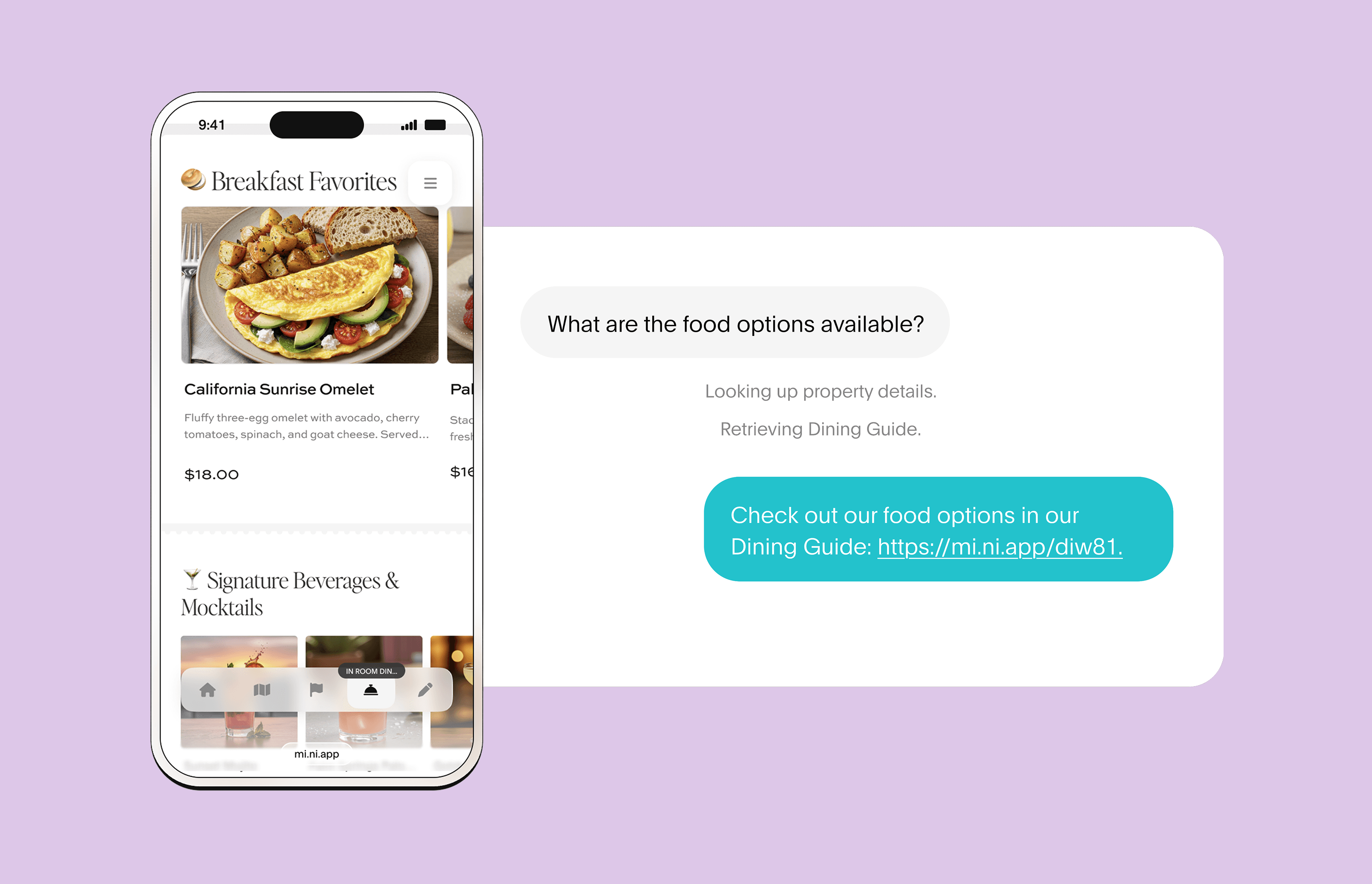
AI Agents reference your Guest Book to answer guest inquiries.
AI Agents pull policies, instructions, and offers from your Mini App to better respond to your guests, cutting time spent for staff to manually respond.
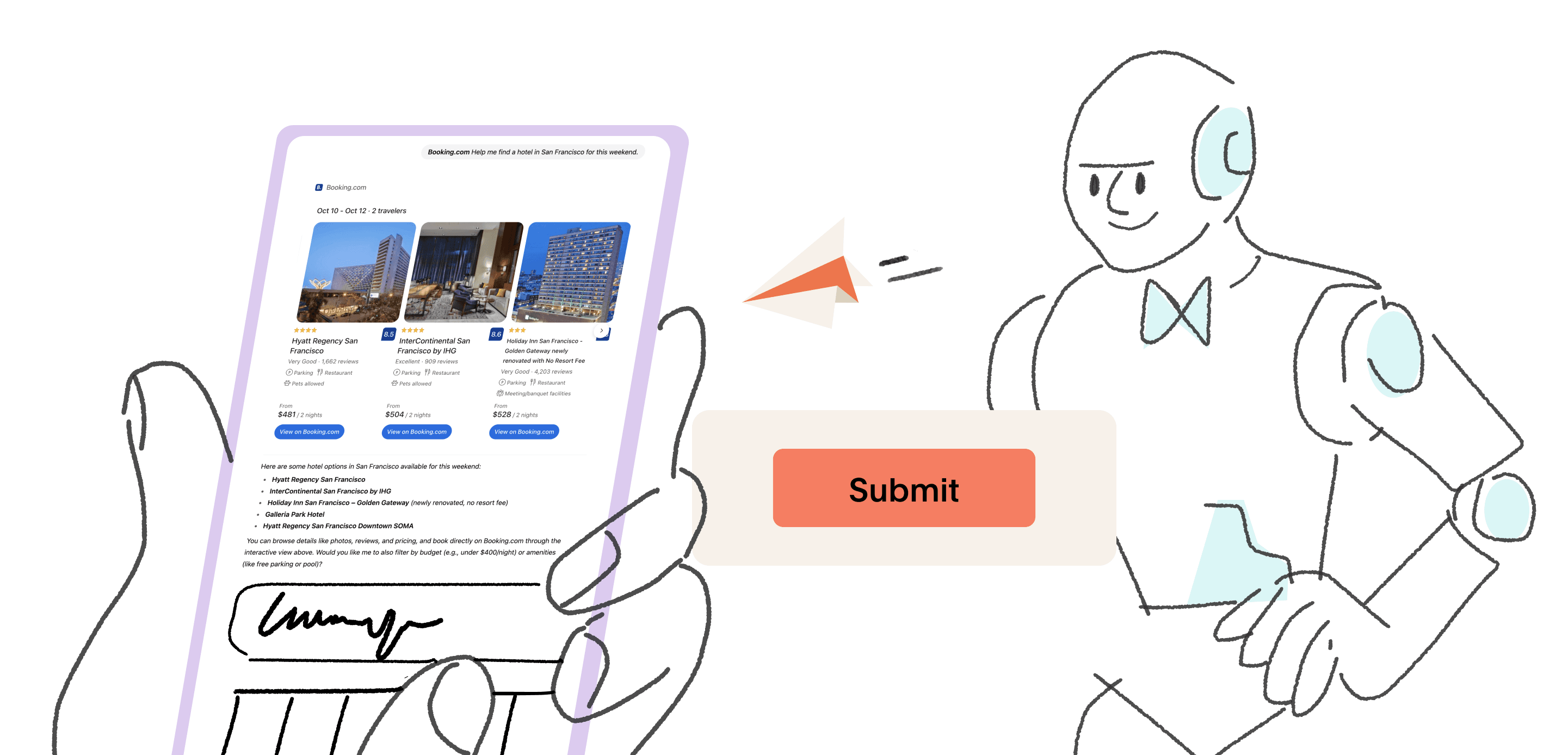
Booking.com & Expedia integrate with GPT-5: What it means for hospitality
GPT-5 is changing the way travelers plan trips. With the rollout of apps inside ChatGPT, platforms like Booking.com and Expedia are now built directly into the chat experience. Here’s what’s happening, and what it means for hotels and vacation rentals.

AI Agents respond to OTA messages
Hotels and vacation rentals can now manage OTA guest conversations directly in Akia, with self-training AI Agents that improve replies, reduce missed messages, and keep guests happy.
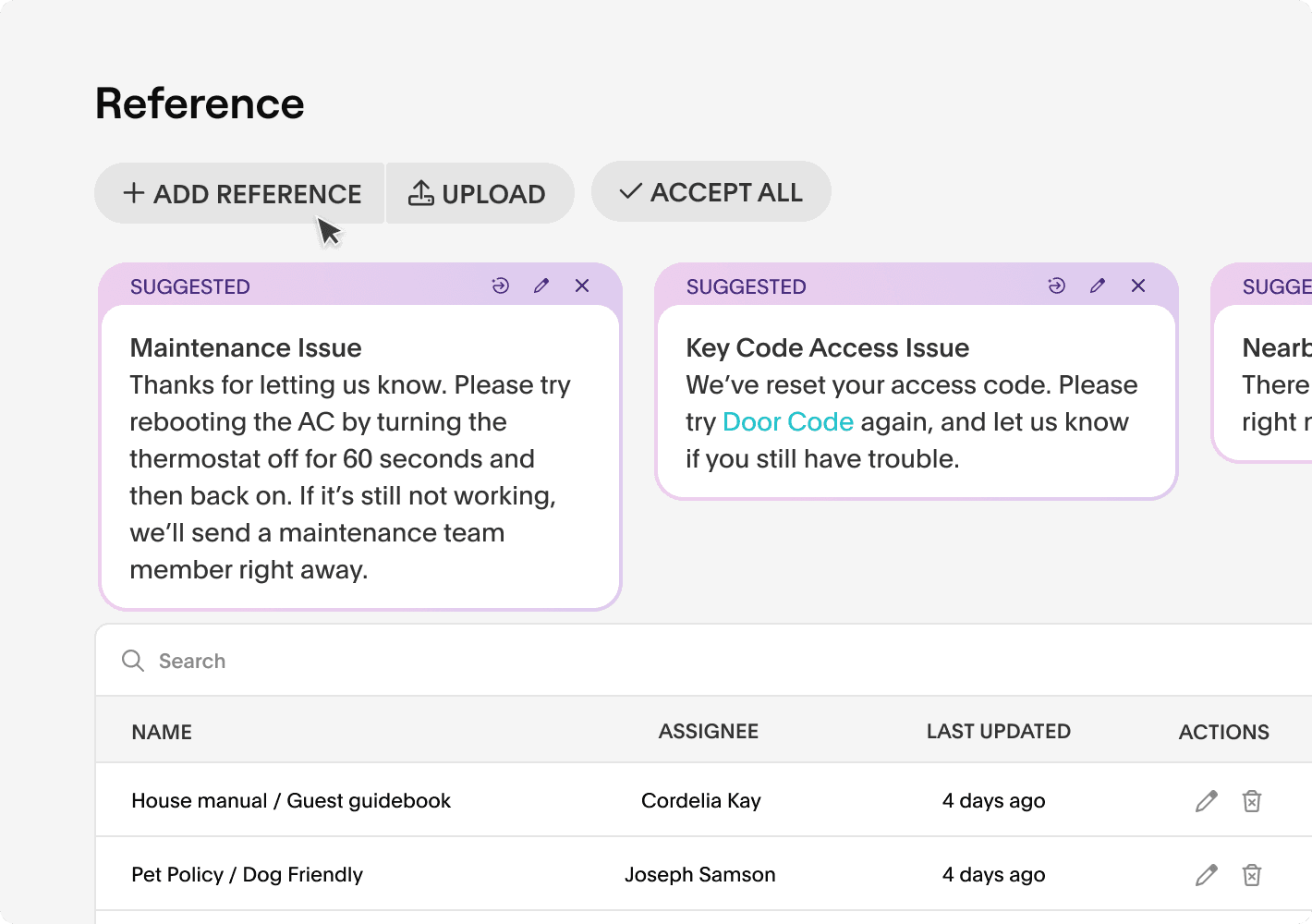
An AI Agent that keeps teaching itself.
Onboarding staff takes weeks. Akia’s AI skips the setup by cloning your best employee, shadowing staff, learning from real conversations, and building its own knowledge base for smarter, more consistent answers.
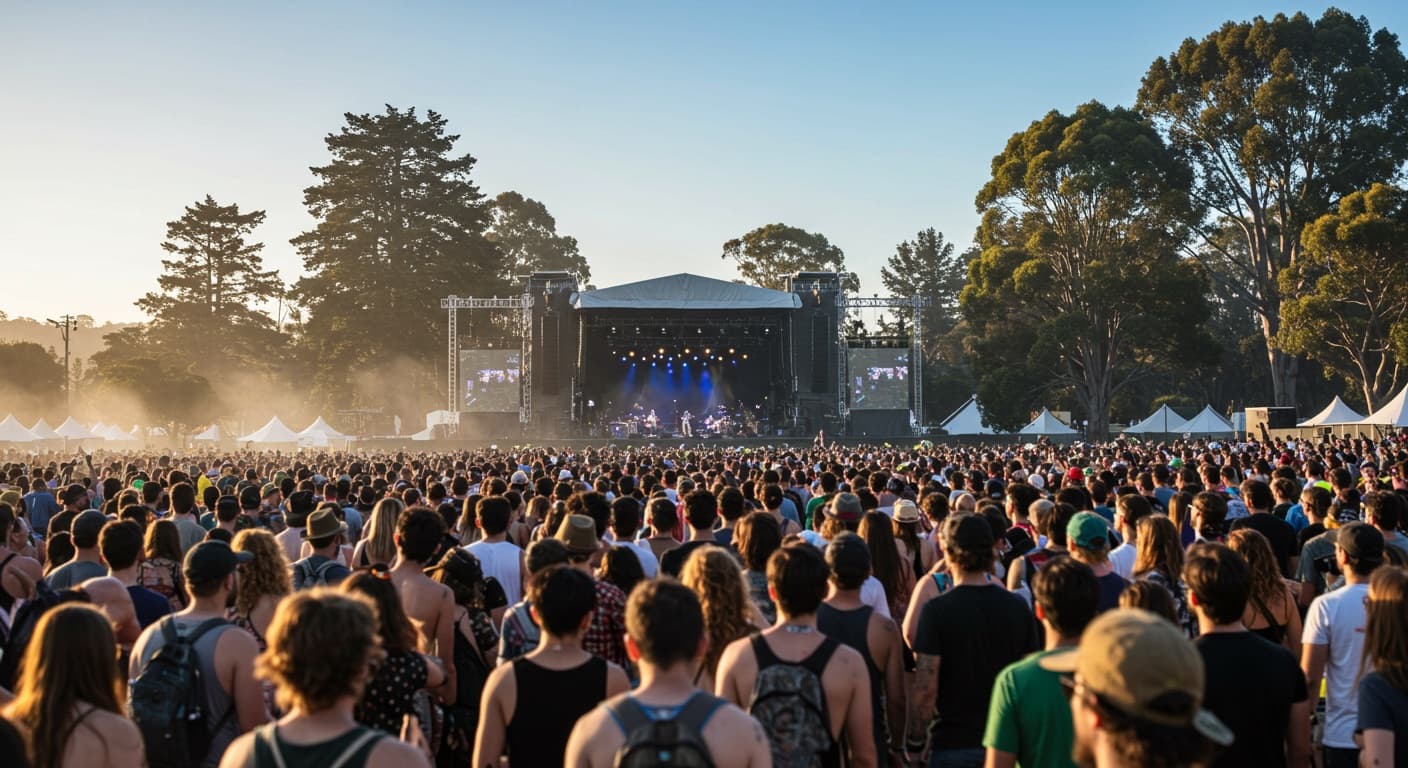
Hotel Revenue Management Tips for Outside Lands
Learn how San Francisco hotels can optimize revenue during Outside Lands with dynamic pricing, direct booking tactics, and guest-focused upsells.

Why Guests Remember the Room—and Write About It
In boutique hospitality, the hotel room is the most influential space for shaping guest impressions, driving reviews, and reinforcing brand identity through thoughtful design and operational detail.

The White Lotus Effect: How Pop Culture is Driving Hotel Bookings
Filming locations for The White Lotus have seen massive upticks in visits and reservations. Learn how your property can capitalize on trends, even without a major HBO series.
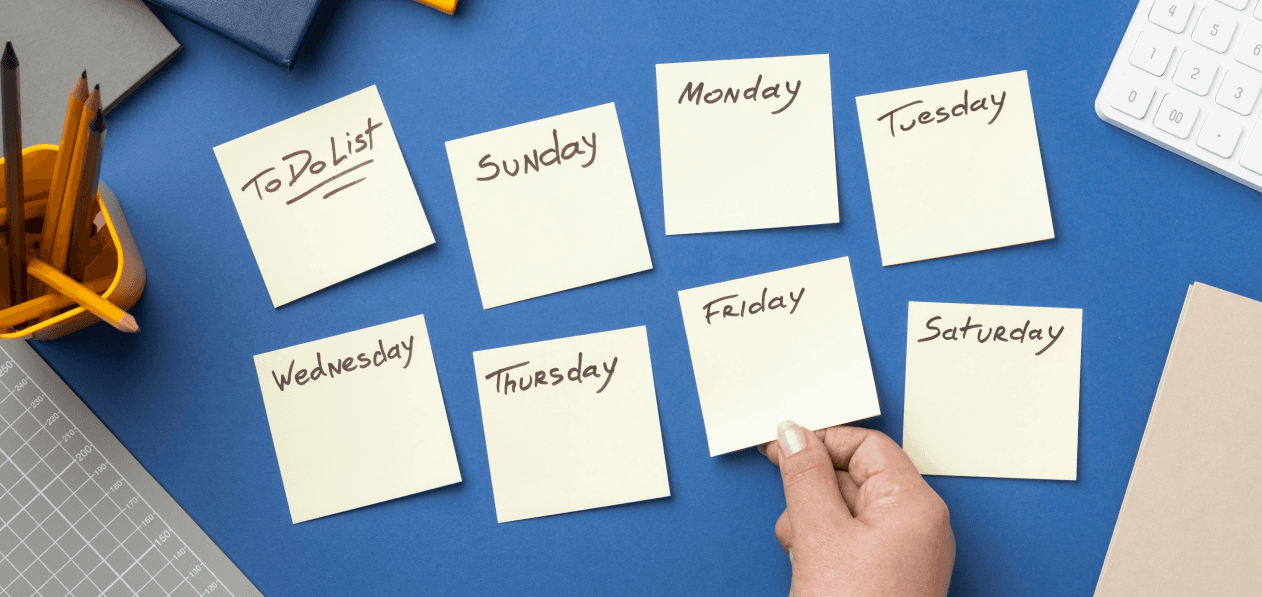
Take the chaos out of hotel operations: master task management
Learn how automated task management can help your team work more efficiently. Never let a task slip or get forgotten.
New Airbnb Rental Policy: How Akia Helps Your Property Stay Compliant
By partnering with Akia, vacation rental managers can navigate Airbnb's new policies with confidence.
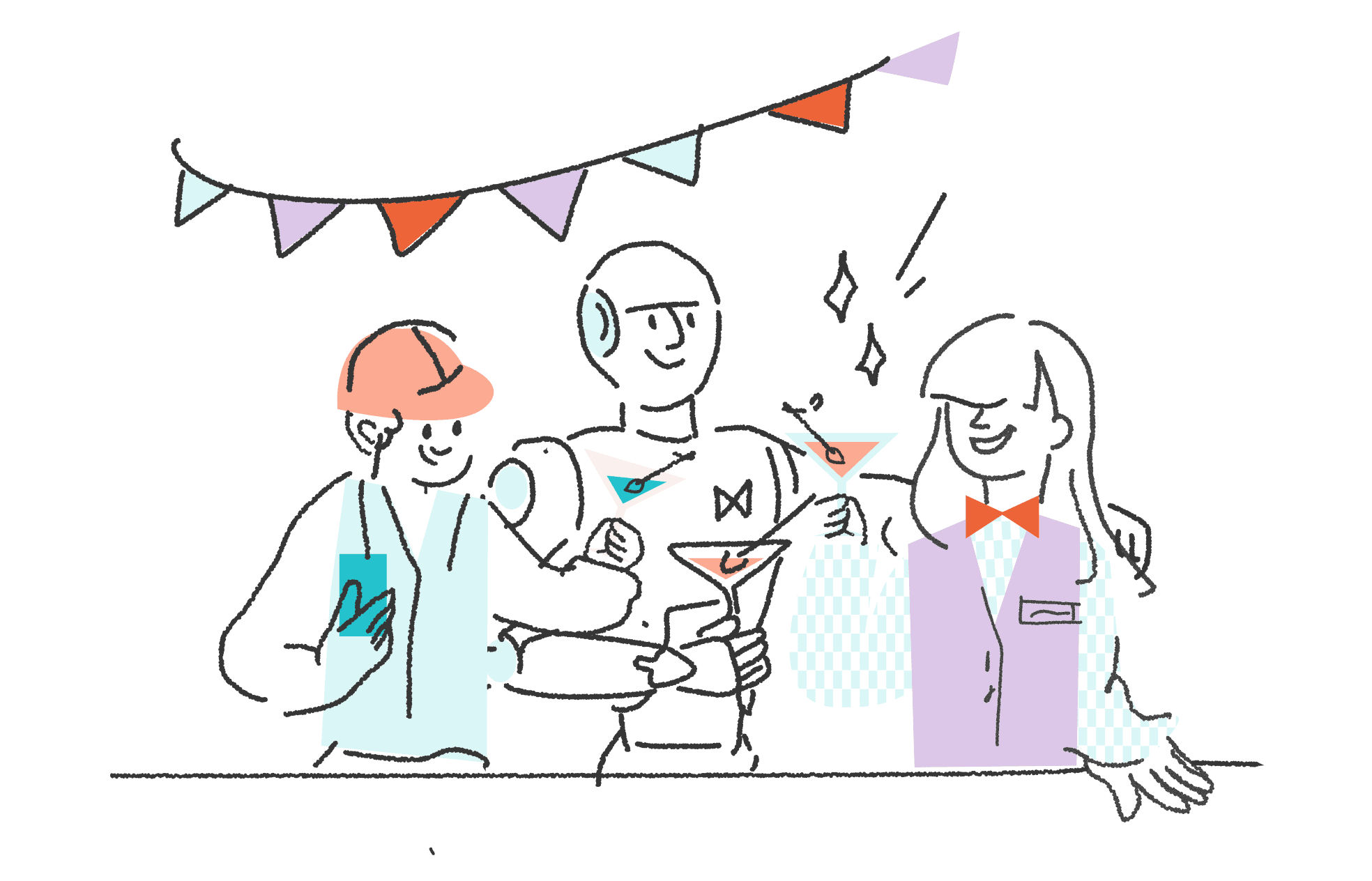
How Akia’s AI Agent works (and why it’s so simple to use)
A step-by-step look at how Akia’s AI Agent is trained, supervised, and ready to help your guests.
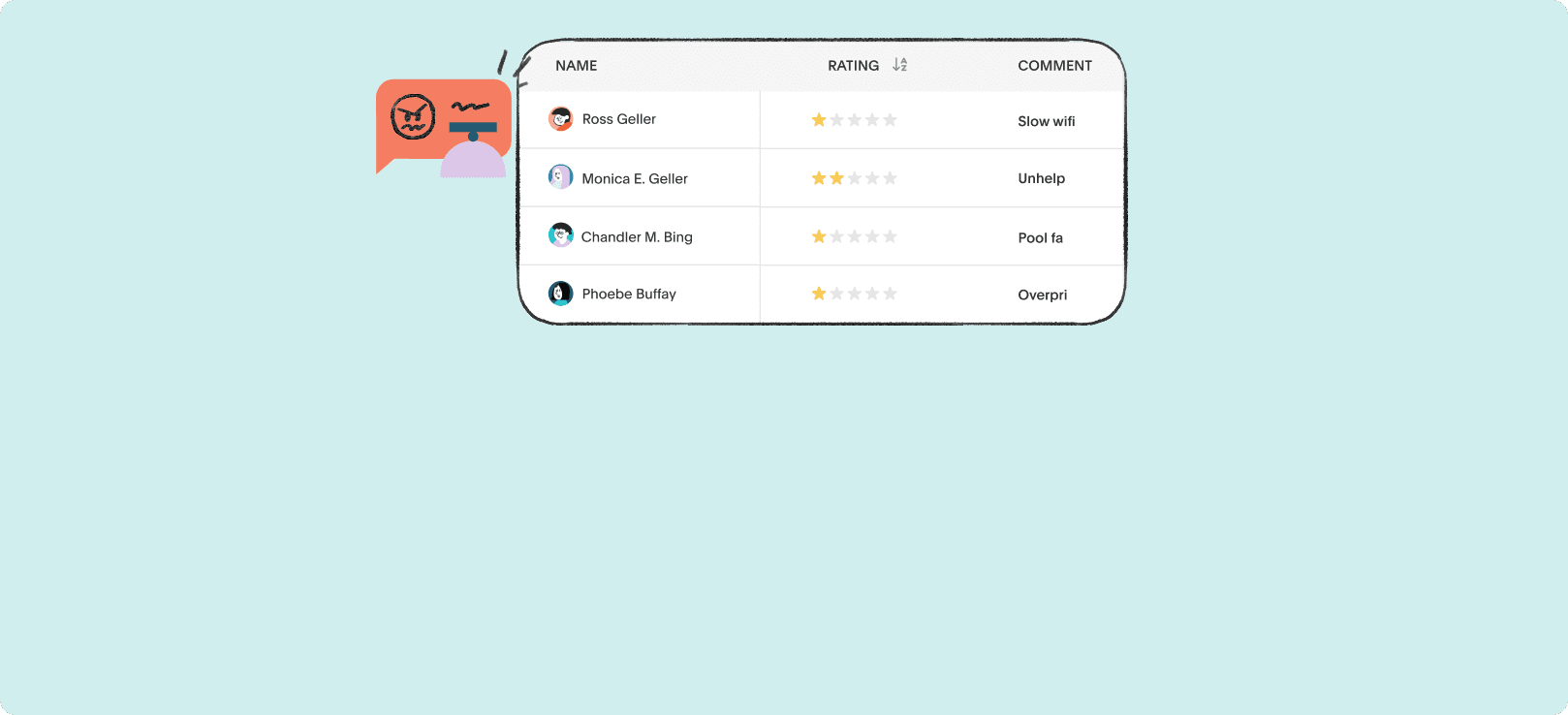
6 properties that capture feedback before checkout.
What data from 6 top-performing properties reveals about stopping negative reviews before they go public.
ChatGPT prompts every hotelier should try in 2025
A guide to ChatGPT prompts every hotelier can use to simplify daily operations, train staff, and improve guest satisfaction.
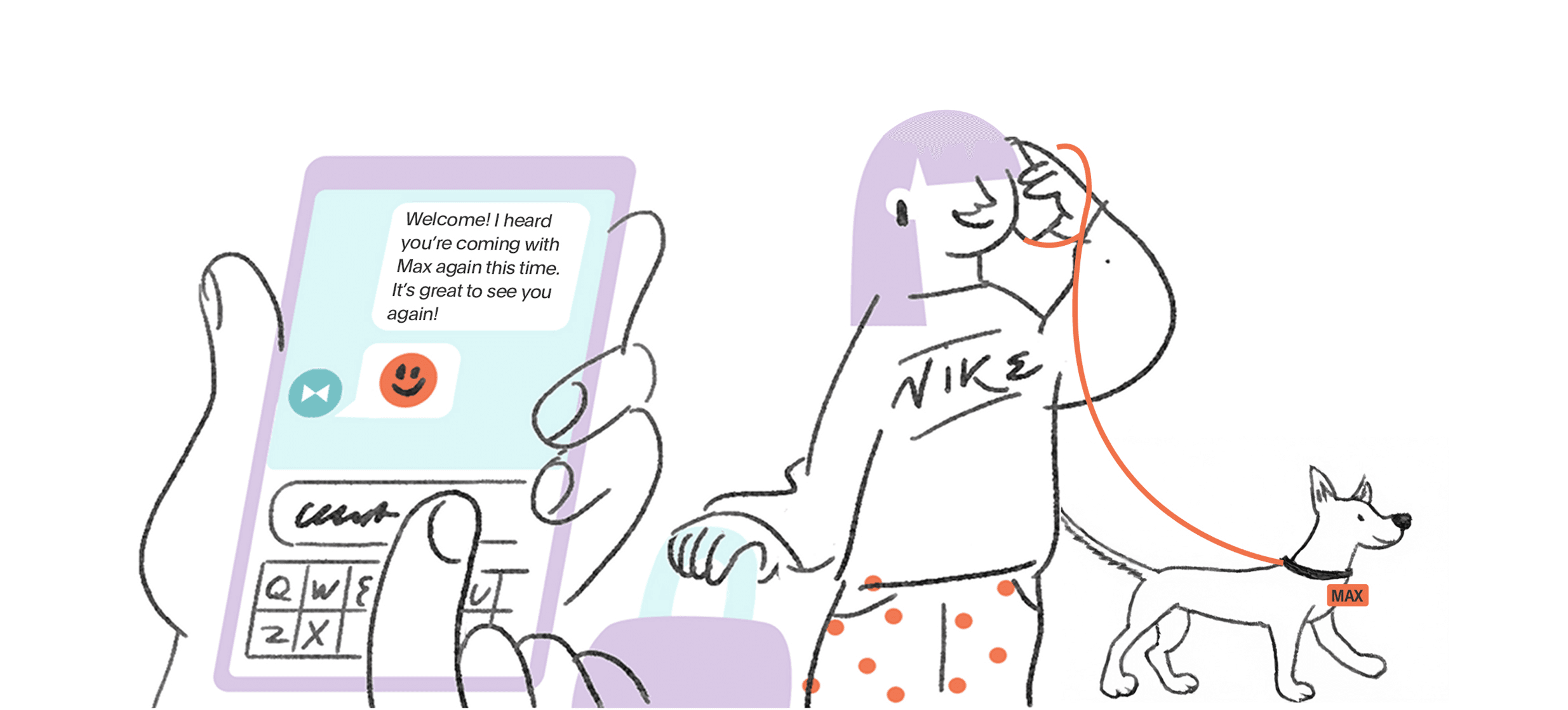
Quick hacks that cut check-in costs in half
Discover how digital check-in helps boutique hotels cut costs, prevent fraud, capture guest data, and create smoother arrivals while boosting upsell opportunities.
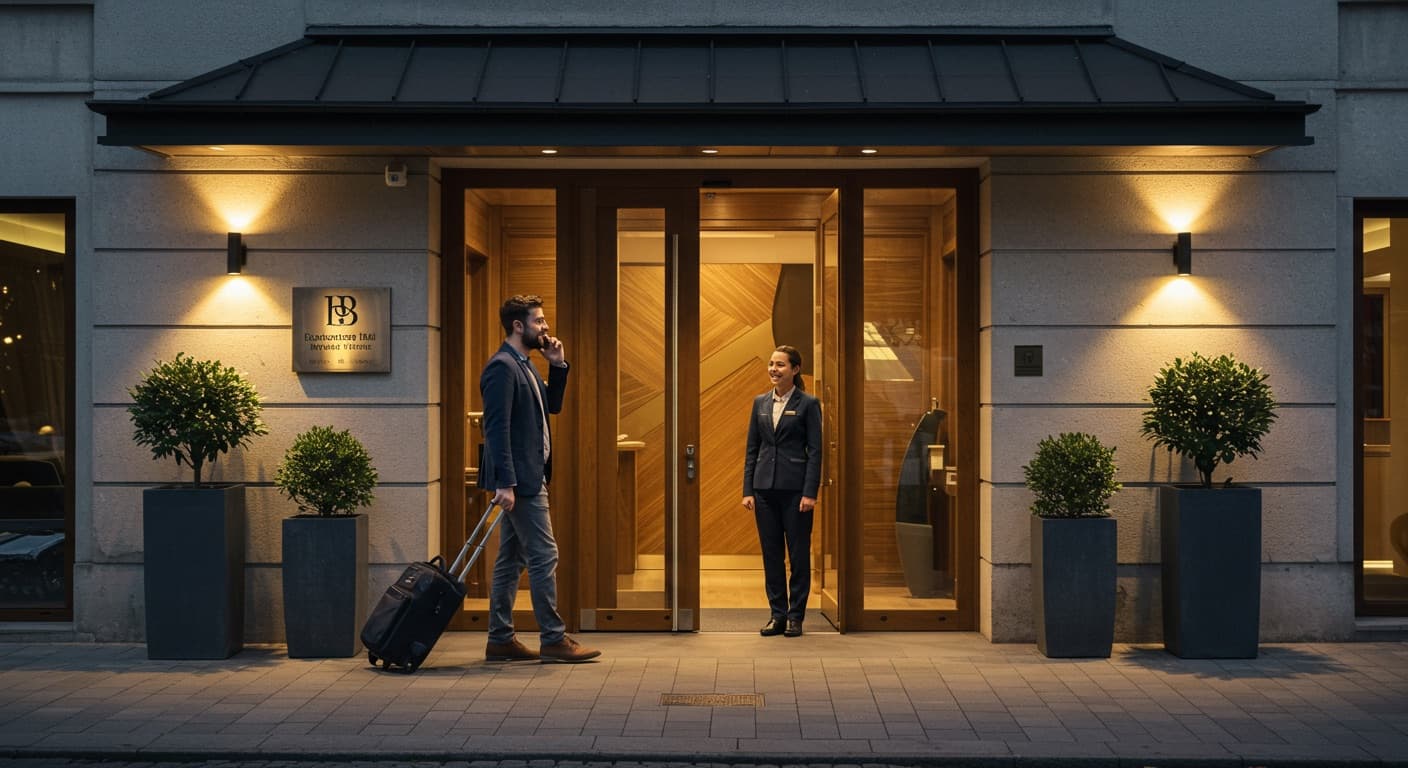
How to keep hospitality human with digital check-in
Guests love the speed of digital check-in, but they remember the way you made them feel. The real magic happens when technology meets human warmth.
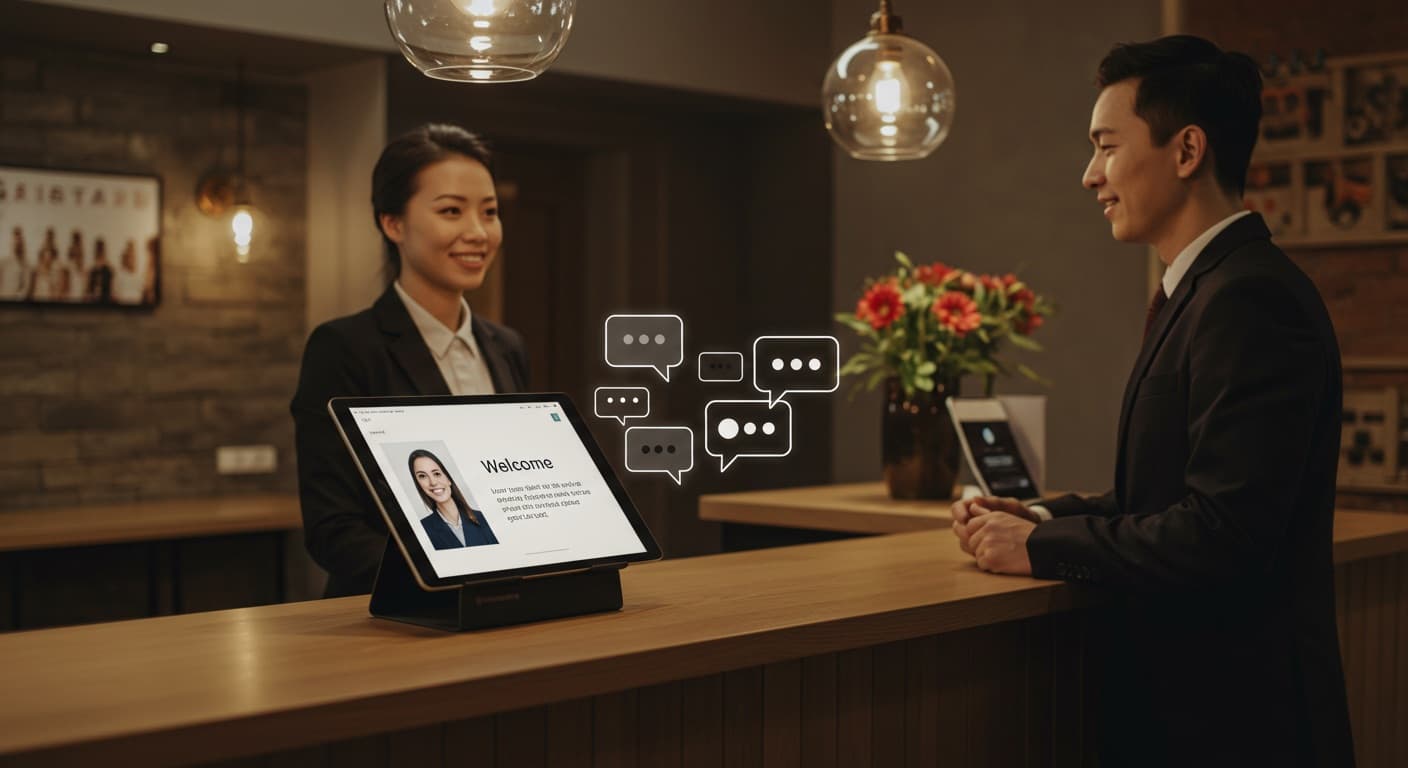
How to use ChatGPT to draft the perfect hotel welcome card
Learn how boutique hotels can use ChatGPT to create warm, personalized welcome messages that delight guests from the moment they arrive. This step-by-step guide shows how to combine AI efficiency with human hospitality to set the perfect tone for each stay.
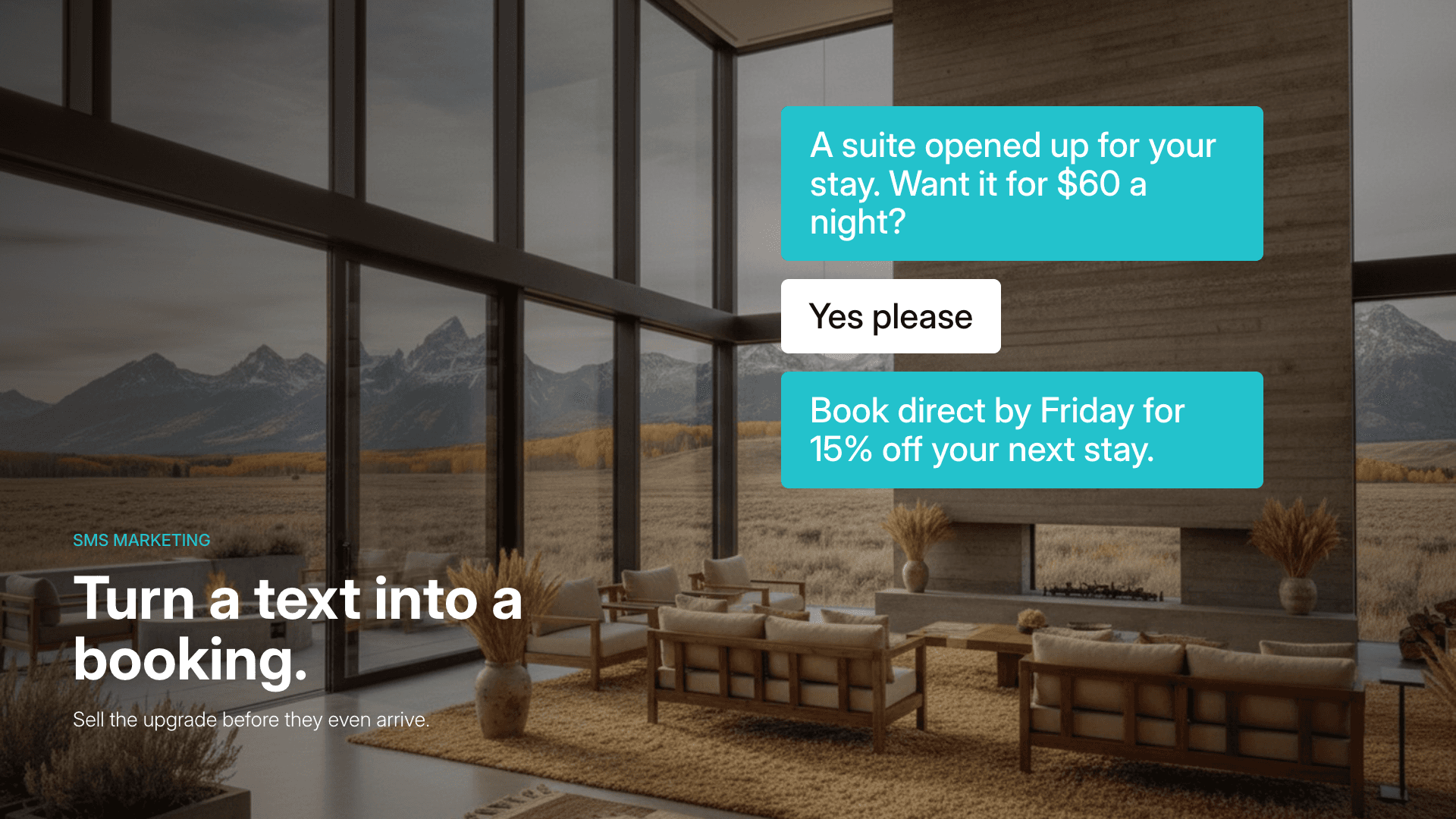
Hotel SMS Marketing: A Playbook for More Direct Bookings
Hotel SMS marketing turns guest phone numbers into a revenue channel. Learn how hotels use text campaigns to drive upsells, direct bookings, and repeat stays, plus templates, best practices, and compliance tips.
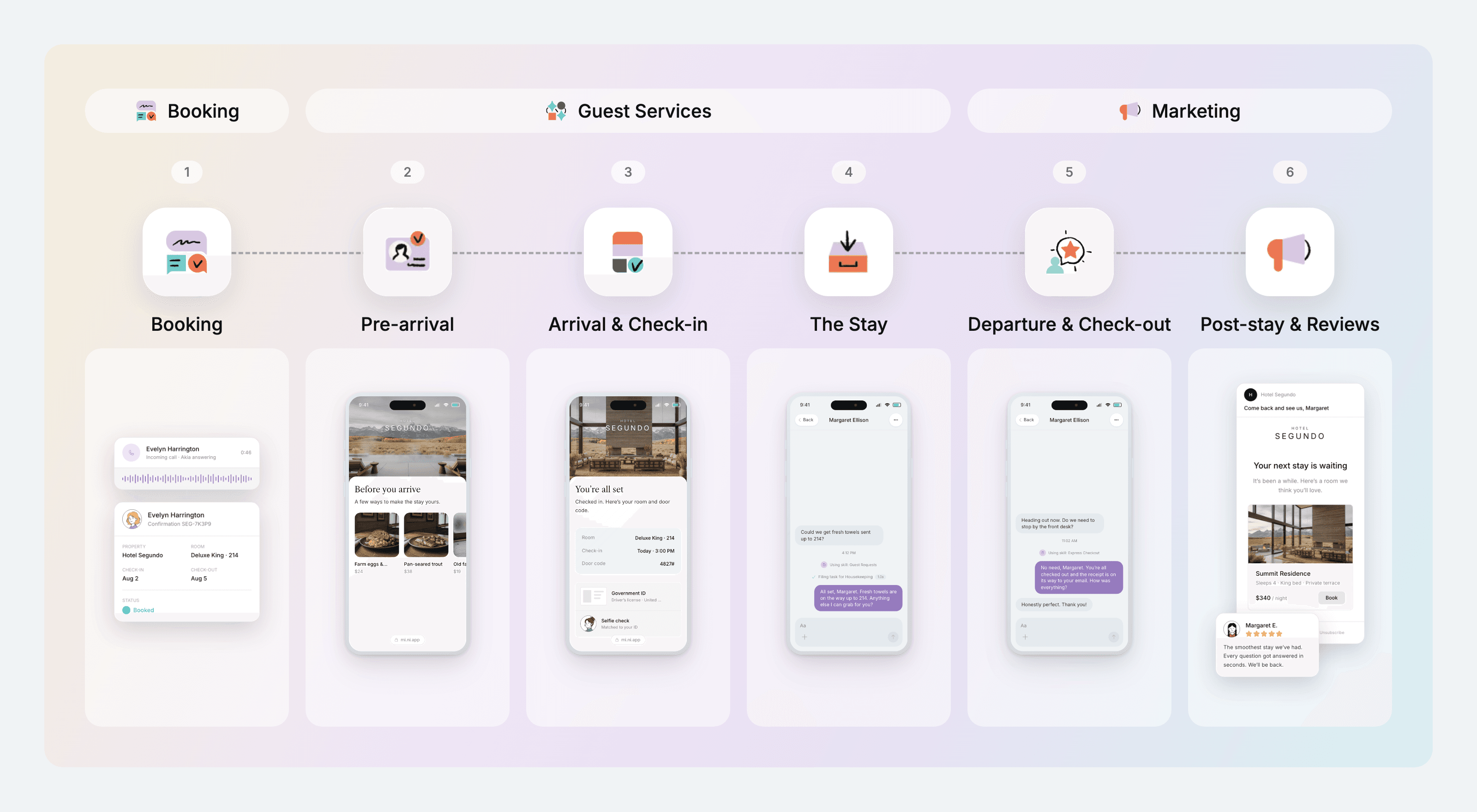
Mapping a guest journey that wins loyalty
This guide walks boutique hotel operators through each stage of the guest journey, from booking to post-stay reviews, with practical tips for creating memorable experiences, building loyalty, and balancing technology with genuine hospitality.

Hotel marketing strategies that boost guest satisfaction
Discover 10 hotel marketing strategies that not only attract bookings but also boost guest satisfaction. From SEO to personalization, learn how boutique hotels can turn marketing into memorable guest experiences.
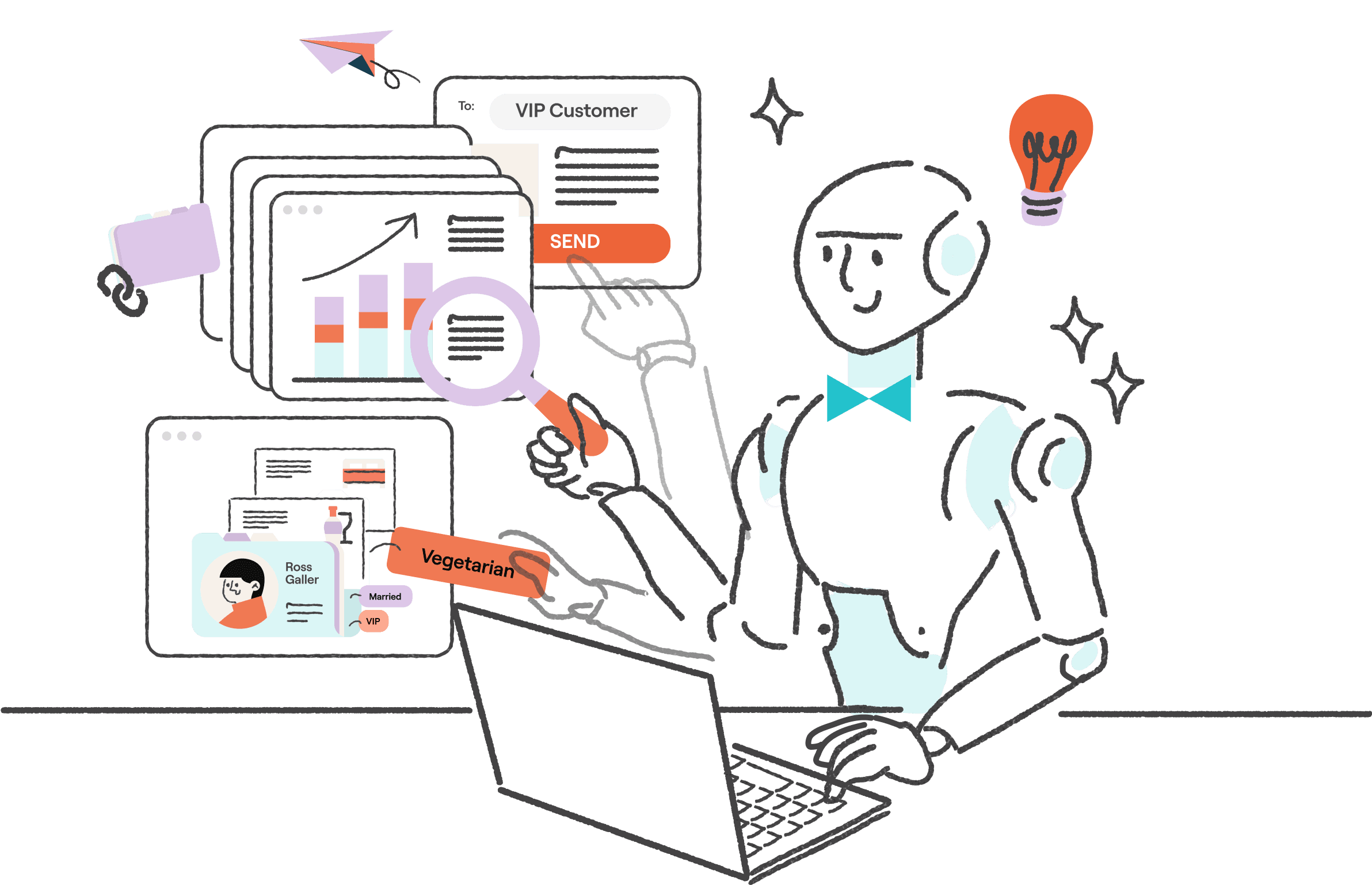
Your Smartest 24/7 GPT Concierge
Why Agentic AI goes beyond chatbots. It makes decisions, triggers actions, and outperforms staff at the tasks that slow them down.
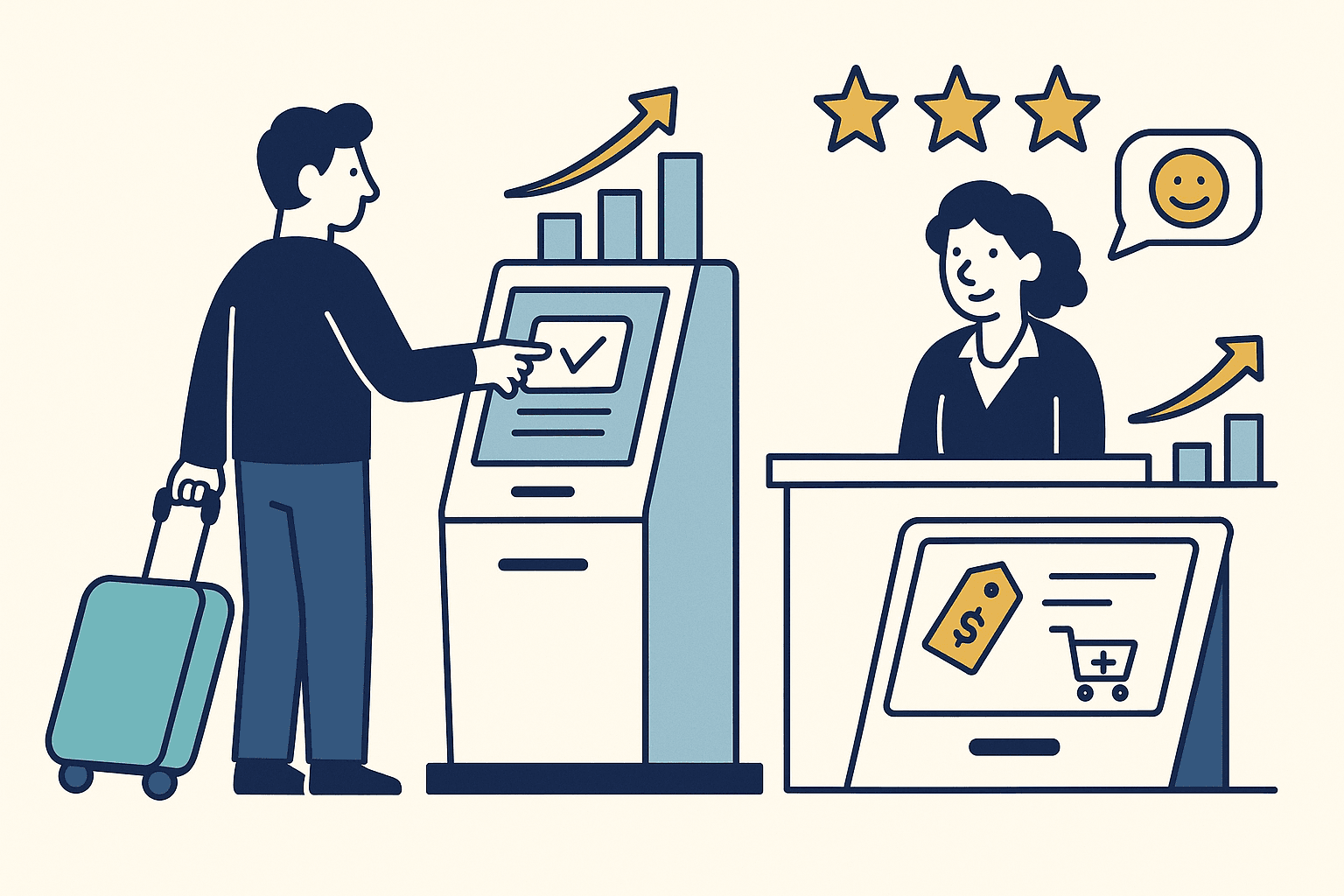
How Self Check-In Technology Drives Hotel Profitability
Discover how self check-in technology is transforming hotel operations and boosting profitability. This blog breaks down the key financial and experiential benefits of adopting self check-in systems—from cutting labor costs and increasing staff efficiency to enhancing guest satisfaction and unlocking new revenue streams. Whether you're managing a boutique property or scaling operations, this post reveals why self check-in is more than a tech upgrade—it's a strategic investment in your hotel’s future.

The Smart Lobby Hotel: Technology Is Transforming Guest Experience
The hotel lobby is transforming from a simple check-in area into a tech-enabled hub that enhances guest experience, streamlines operations, and boosts revenue. This blog explores how innovations like contactless arrivals, AI personalization, digital signage, real-time analytics, and immersive design are redefining the modern “smart lobby” to meet today’s hospitality demands.
What GPT‑5 Signals for Smarter Guest Journeys
OpenAI just released GPT‑5, its most advanced model to date. It’s faster, sharper, more honest, and notably better at understanding complex requests.
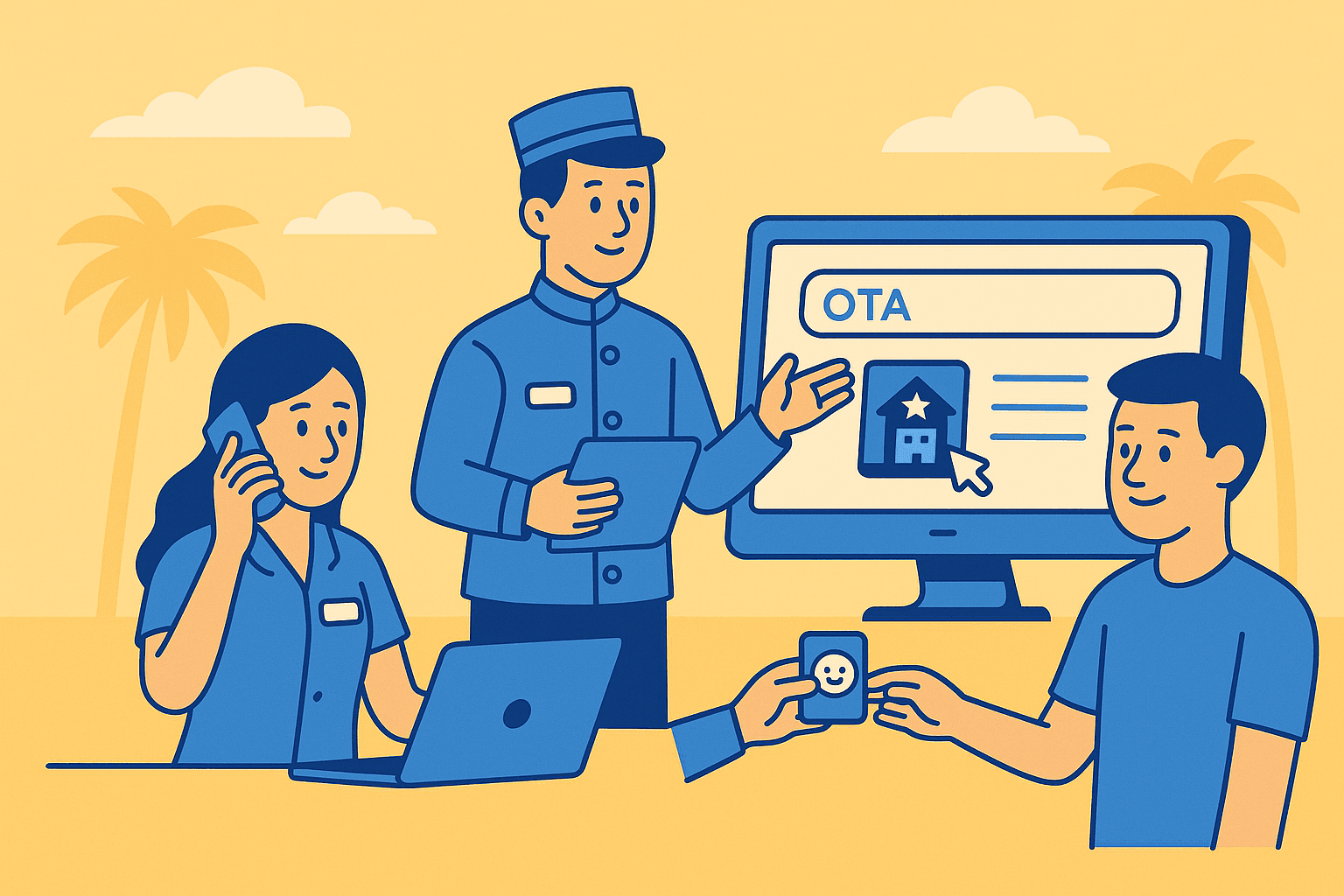
Beyond the OTA
Explore how boutique hotels and vacation rentals can harness the benefits of Online Travel Agencies (OTAs) without becoming dependent on them. This post breaks down the hidden costs of third-party bookings and reveals how AI-powered guest engagement can turn one-time OTA stays into lasting brand relationships. With real-world examples and actionable strategies, it’s essential reading for operators looking to boost loyalty, direct bookings, and long-term revenue.
Akia Integrates With Cloudbeds, the Leading Hospitality Management Platform

Airbnb's rumored revenue drop and the battle between HITEC and The Hospitality Show
HIP is a newsletter highlighting hot topics, significant trends, and business initiatives within the hospitality industry.
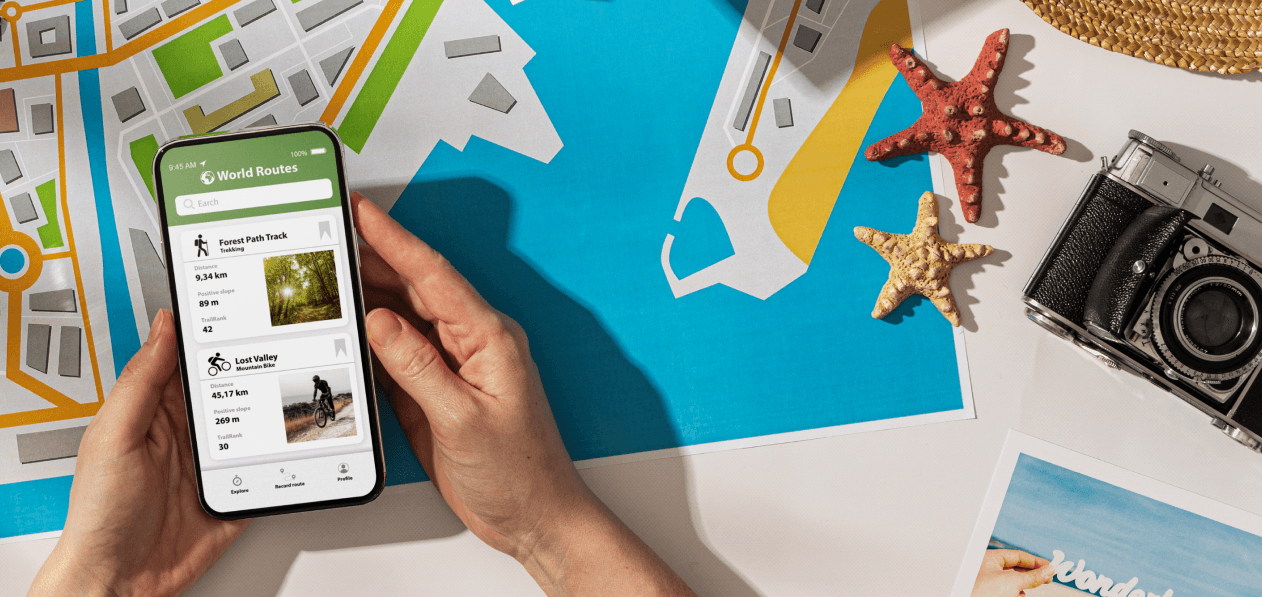
How to create a guidebook for your vacation rental property
Give your guests exactly what they need in a digital guidebook for smoother stays and less repetitive inquiries.
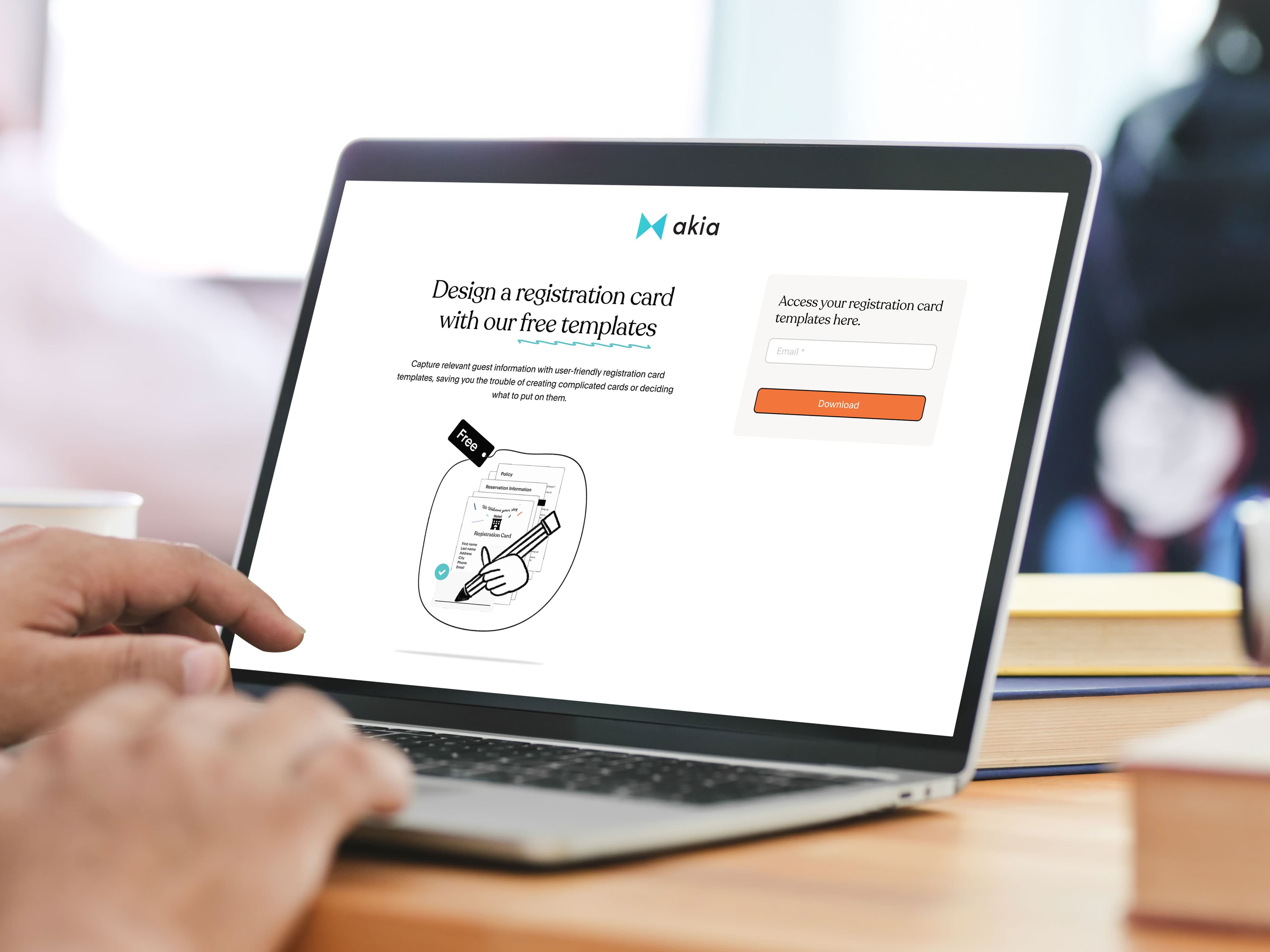
Free registration form templates you can download.
Not yet ready to have your onboarding automated? We still want to be your source for all things regarding guest communication. So here are some registration form templates you can use as a sample or to modify.

Top 20 Secrets to Success in Hotel Marketing
If you don’t have a plan for marketing your hotel yet, you’re probably not getting the results you want. The hotel industry is very competitive, but your hotel can stand out to travelers by creating a comprehensive marketing plan. Whether you run a small bed and breakfast, a mid-sized independent hotel, or a larger hotel chain, you can drive more hotel bookings and increase revenue by using some or all of these hotel marketing strategies.

Agentic AI: A Secret Weapon for Hospitality Leaders
How autonomous, intelligent systems could reshape hotel operations and help leaders make better-informed decisions.

Unlocking Growth: Enriching Your CRM with Valuable Guest Data
How to make the most of hospitality data, so you can increase direct bookings, revenue, and satisfaction.
How hotels can build a high-performing distribution strategy
Tactics and technology to boost occupancy & RevPAR.

Akia Marketing Suite: A Direct Booking Superpower
How hotels and vacation rentals are driving revenue with the Akia Marketing Suite.

Introducing Mini Apps 3
New features make guest communication more consistent than ever, without the need for logins or downloads.

Introducing the new Akia Marketing Suite
Reach guests like never before with an Email and SMS Marketing Suite layered atop your PMS.

Top Hospitality Challenges in 2025
How hotels and vacation rentals can come out on top in the age of skeptical guests and staff uncertainty.

Hotel Welcome Messages: 20 Templates for Notes, Cards, and Letters
Twenty welcome messages you can copy today, for room notes, cards, pre-arrival letters, and texts. Plus how to get the right one to every guest.
Payments with Akia

Snooze and relax: let guest chats rest until you’re ready to follow up
Hit snooze on guest conversations, clearing your inbox without losing track of important follow-ups. Set it and forget it until it’s time to respond.
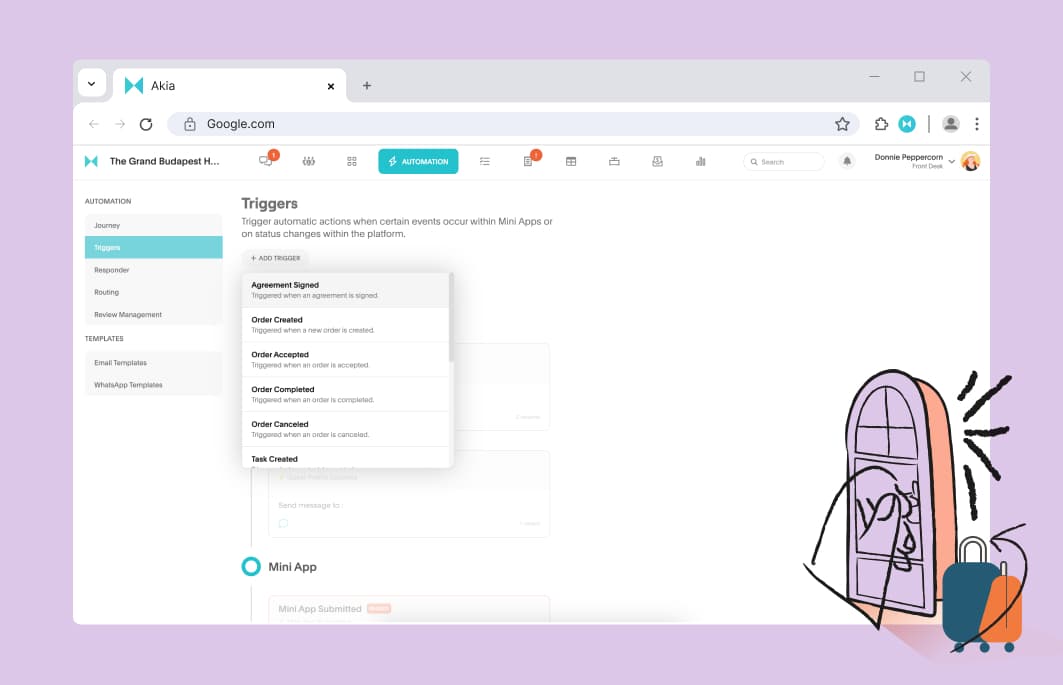
How to automate door locks after check-ins.
Schedule guest access to prevent guests from entering the unit earlier than they should.

The Art of Guest Profiling: 6 Essential Elements Every Hotelier Should Track
This data already exists across your tools – isn’t it time you start using it to your advantage?
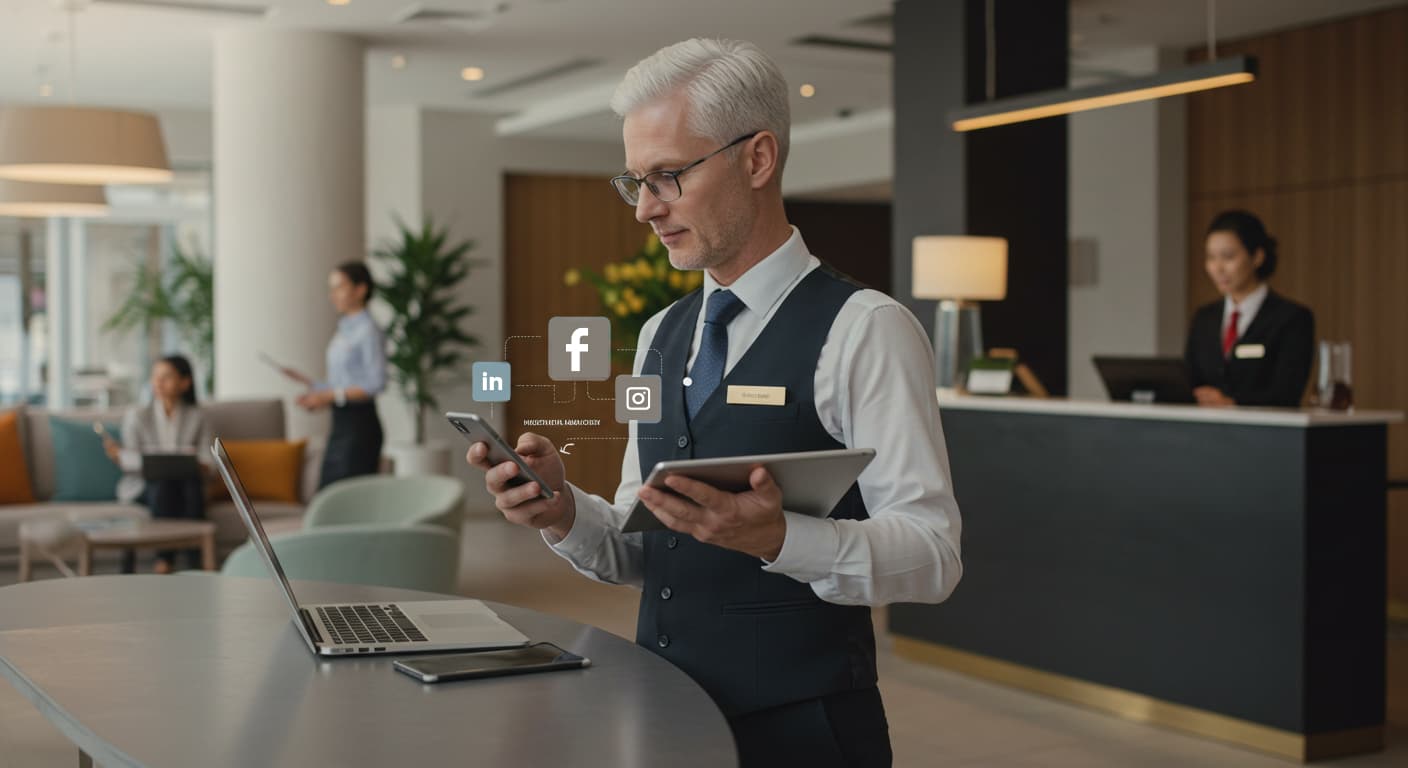
Easy Social Media Ideas for Busy Hospitality Managers
Maintain a crucial marketing channel without the need to hire someone new.

Find and chat with guests instantly
Start guest conversations by searching their name, phone number, or email —no more scrolling through long lists to find the right info.

Clever Tactics for Collecting Guest Emails
Increase direct bookings by reaching past guests directly through their email inbox.

How to win chargebacks and friendly fraud attempts.
Mitigate the risk of friendly fraud in hospitality.

Manage transactions in Akia Pay.
View transaction in a detailed table and soon, manage payments with refunds and data export.

Keep payments safe and simple: Why secure payment verification matters.
Discover how secure payment verification protects your guests, prevents fraud, and speeds up the payment process.
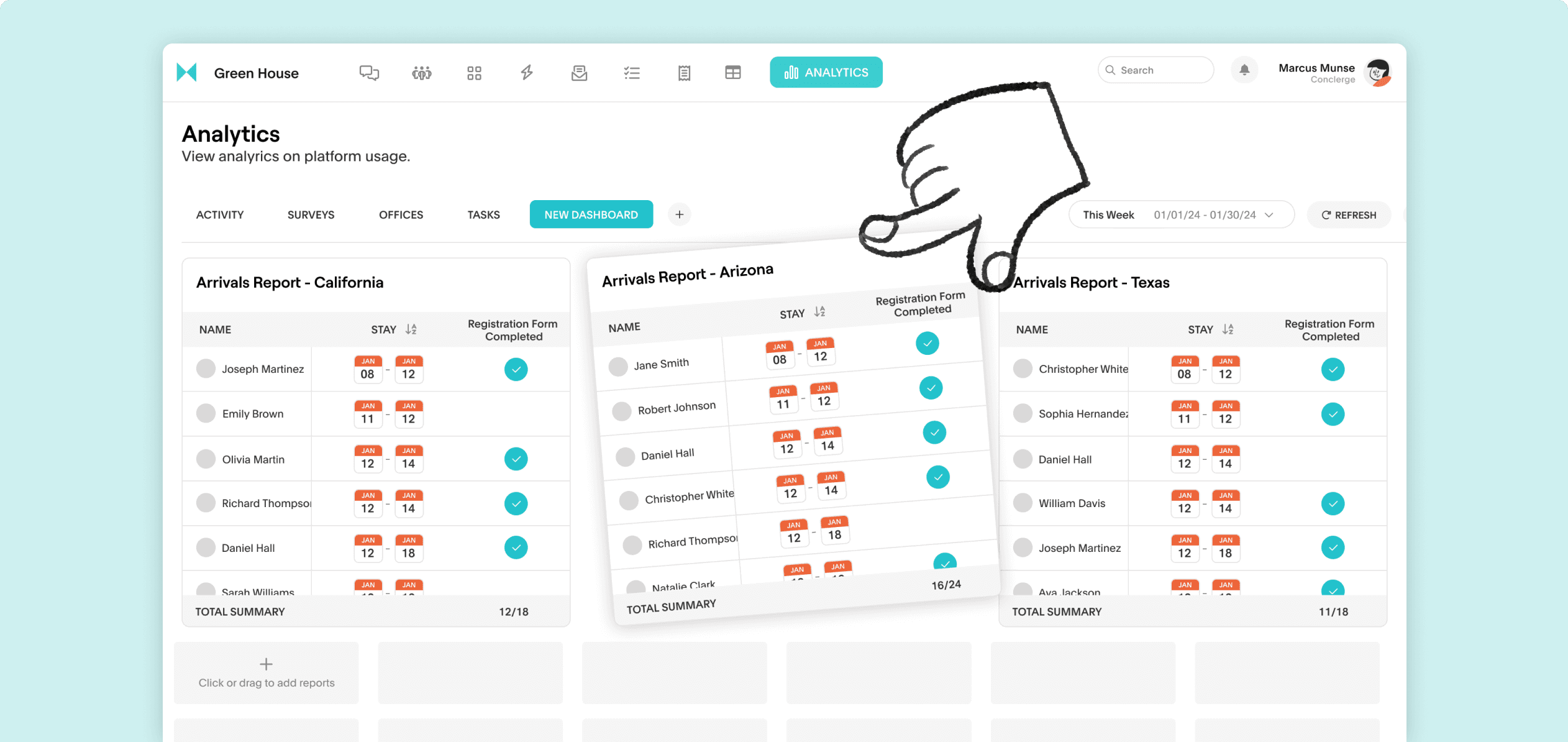
Pull your most relevant guest data together in a single view
See all your critical reports in a dashboard and monitor all guest data across properties in a single, unified screen.
Streamlined Operations for Better Service
If you’re on-the-go with various requests from guests, we know you don't want to waste any time. With our recent updates, our goal was to help you easily get organized and attend to requests while staying in clear communication. Check out the new ways you can use Akia to provide excellent service.

Mark Items out of stock in the Mini App.
Update your digital menu to indicate unavailable items, ensuring guests don’t accidentally place orders.
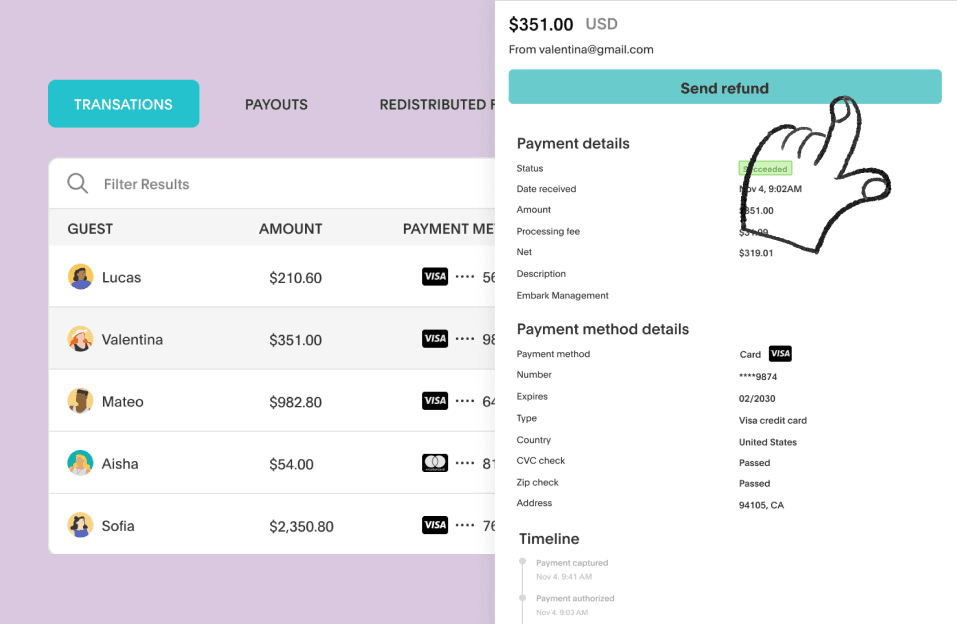
Refund Guests in Akia Pay.
Properties can now manage and issue refunds directly in the Akia interface. Review guest orders and transaction details, then process refunds without switching platforms, streamlining your workflow.

Akia and roommaster deliver personalized guest experiences
This integration allows hospitality businesses to personalize guest experiences, improve communication, and streamline operations.