Manually providing access codes to every guest can be highly inefficient. You need to track and manage codes for check-ins and checkouts and ensure appropriate access times, especially if guests opt for early check-in or late checkout. Akia simplifies this by automating door locks once a guest completes the digital check-in process. If they complete it a day early, you can schedule when they receive access to ensure they won't enter the property before their check-in time. For the wider picture of how mobile room keys work, see our guide to hotel keyless entry.
How to schedule door access with Akia on Arrival Date
- Create a Mini App for the check-in form
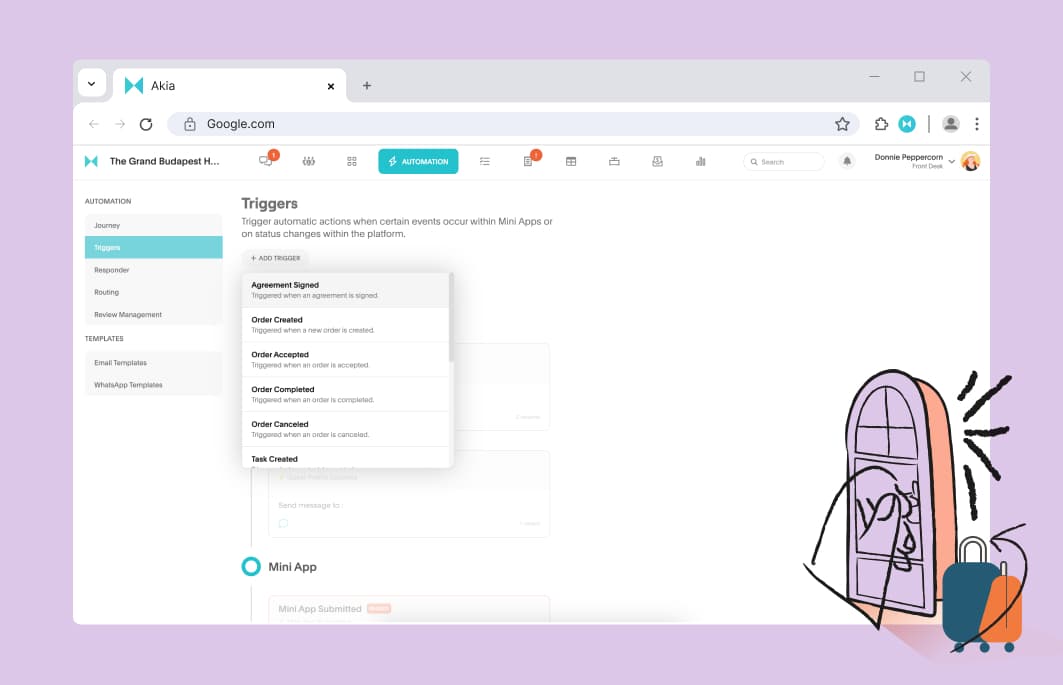
- Create a trigger in the Automation tab.
- Add trigger > Agreement signed
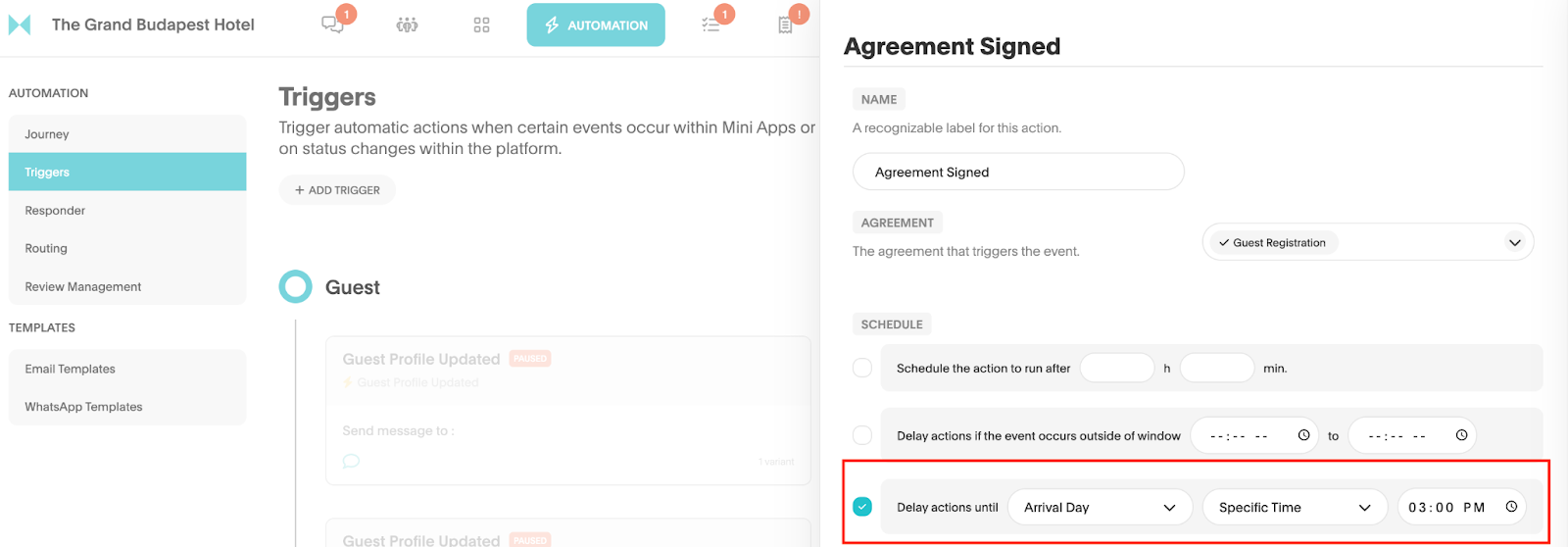
- Checkmark “Delay actions until.” First drop down= “Arrival Day.” Second drop down= “Specific Time.” Select your preferred time in the last drop down.
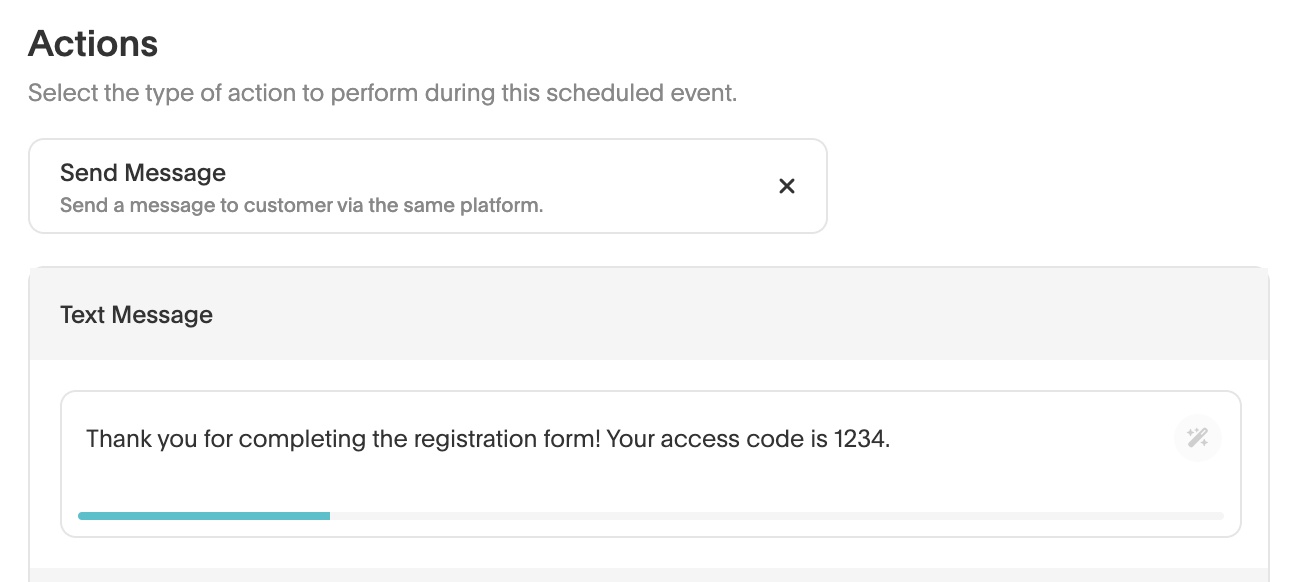
- Click on “+ Variant” under Action Variants. And include the message and access code to send to your guest.